Build Department-Specific Internal Chat Interfaces with Needle and Haystack
Streamline information access with custom chat interfaces tailored to your team's needs
Key Takeaways
- Build department-specific internal chat interfaces in 5 steps using Needle + Haystack + OpenAI
- Needle's Document Store and Embedding Retriever integrate directly into Haystack RAG pipelines
- Each department (HR, legal, sales, engineering) gets its own collection with tailored document access
- Requires just 2 API keys (
NEEDLE_API_KEYandOPENAI_API_KEY) and theneedle-haystack-aipackage - The pipeline can be running and answering queries in under 20 minutes
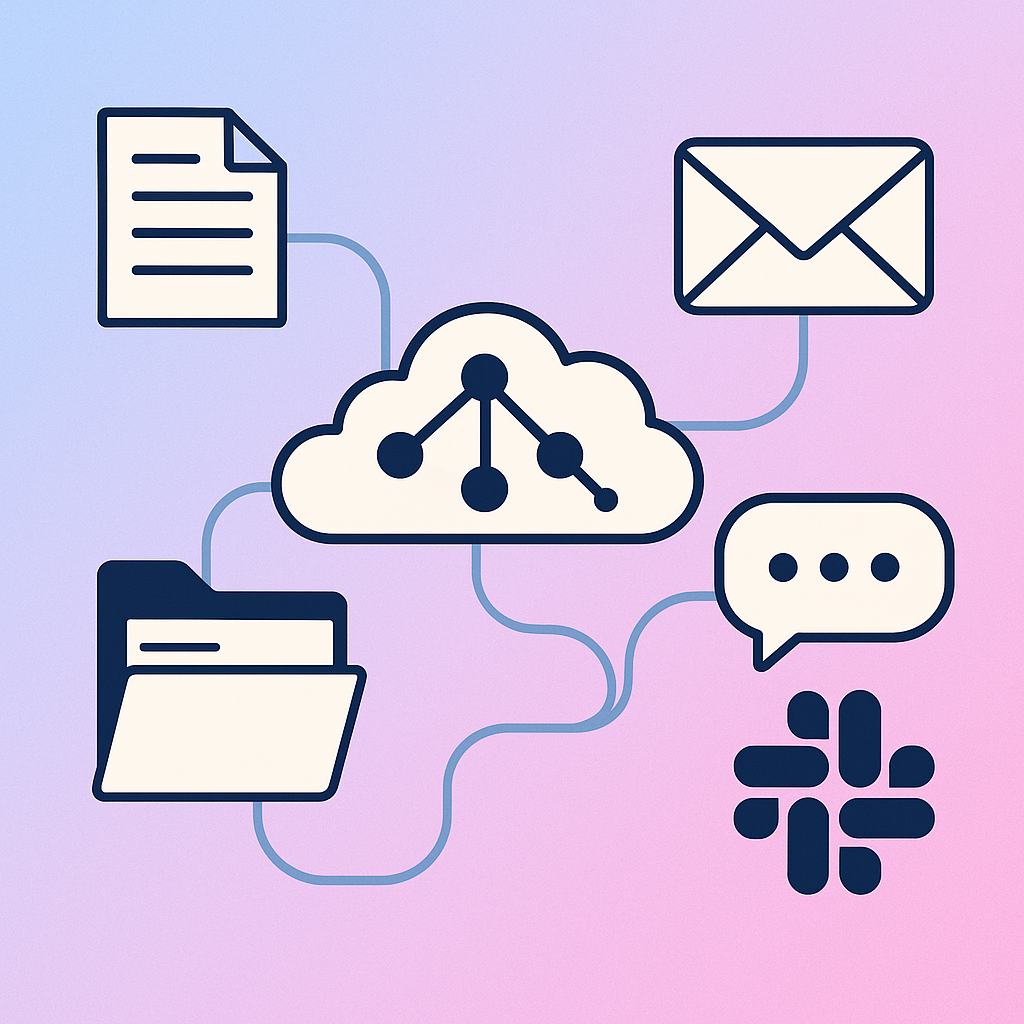
In today's fast-paced work environment, having quick and easy access to information is crucial for productivity. With Needle's integration with Haystack, you can build tailored internal chat interfaces that cater to the unique needs of your department. Whether it's for HR, legal, or sales, this integration streamlines how your team interacts with vital documents and data.
Department Use Cases
| Department | Example Documents | Sample Queries |
|---|---|---|
| HR | Employee handbook, benefits docs, policies | "What is the parental leave policy?" |
| Legal | Contracts, compliance docs, NDAs | "What are the data retention requirements?" |
| Sales | Product sheets, pricing, case studies | "What discounts apply to enterprise deals?" |
| Engineering | API docs, runbooks, architecture diagrams | "How do I deploy to staging?" |
What You Need to Get Started
To harness the power of Needle within your Haystack projects, you'll need to set up the Needle Document Store and Needle Embedding Retriever components. These tools make it simple to create a robust Retrieval-Augmented Generation (RAG) pipeline that can process queries and return contextually relevant answers from your organization's documents.
Installation
Begin by installing the Needle-Haystack package via pip:
pip install needle-haystack-aiAPI Keys
Before diving into the integration, ensure you have your API keys ready. You can get them from the developer settings page. You will need to set the following environment variables:
NEEDLE_API_KEY: Obtain this key from your Developer settings.OPENAI_API_KEY: This key is necessary for connecting to the OpenAI generator.
Building Your Chat Interface (5 Steps)
To create an internal chat interface, we'll build a simple RAG pipeline using Needle's tools alongside an OpenAI generator. Follow these steps:
Step 1: Set Up Your Document Store
In Needle, document stores are referred to as collections. Start by creating a reference to your Needle collection using the NeedleDocumentStore class.
from needle_haystack import NeedleDocumentStore, NeedleEmbeddingRetriever

document_store = NeedleDocumentStore(collection_id="<ID>")

retriever = NeedleEmbeddingRetriever(document_store=document_store)
Step 2: Define the Prompt for the LLM
Next, we will craft a prompt template that will guide the OpenAI generator in formulating responses based on the retrieved documents.
from haystack import Pipeline
from haystack.components.generators import OpenAIGenerator
from haystack.components.builders import PromptBuilder

prompt_template = """
Given the following retrieved documents, generate a concise and informative answer to the query:

Query: {{query}}
Documents:
{% for doc in documents %}
    {{ doc.content }}
{% endfor %}

Answer:
"""

prompt_builder = PromptBuilder(template=prompt_template)
llm = OpenAIGenerator()
Step 3: Assemble Your RAG Pipeline
Now that you have your components ready, let's assemble the pipeline.
# Create a new Haystack pipeline
pipeline = Pipeline()

# Add components to the pipeline
pipeline.add_component("retriever", retriever)
pipeline.add_component("prompt_builder", prompt_builder)
pipeline.add_component("llm", llm)

# Connect the components
pipeline.connect("retriever", "prompt_builder.documents")
pipeline.connect("prompt_builder", "llm")
Step 4: Run the Pipeline
With everything set up, you can now run your RAG pipeline to answer user queries.
# Example query
prompt = "What are the latest updates on the company policies?"

result = pipeline.run({
    "retriever": {"text": prompt},
    "prompt_builder": {"query": prompt}
})

# Print the final answer
print(result['llm']['replies'][0])
Step 5: Tailor for Your Department
The beauty of this integration is that you can customize it according to your department's needs. Whether it's specific HR queries, project documentation in development, or customer support inquiries, the RAG pipeline can be adapted to fetch and present the most relevant information, enhancing your team's efficiency.
Summary
With Needle's Haystack integration, building department-specific internal chat interfaces takes just 5 steps: set up a document store, define an LLM prompt, assemble the RAG pipeline, run it, and tailor it to your department's documents. Each department - HR, legal, sales, engineering - gets its own collection with access-controlled, relevant documents. The entire setup requires only the needle-haystack-ai package, two API keys, and under 20 minutes. The result is an always-available internal chat assistant that delivers accurate, document-grounded answers to your team's most common questions.
Support and Further Guidance
For more detailed guides and comprehensive support, please visit our documentation. If you have questions or feature requests, don't hesitate to connect with us on our Discord channel.