Building a Chatbot for Customer Support
Enhancing customer support with AI chatbots
Key Takeaways
- Build a RAG-powered customer support chatbot in 4 steps using Needle's Python SDK and OpenAI GPT-4o
- Needle handles document indexing, chunking, and semantic search - you focus on the chatbot logic
- Responses are grounded in your actual documentation, eliminating hallucinations
- Requires Python 3.8+, the
needle-pythonpackage, and an API key from your Needle dashboard - The complete pipeline (collection setup → indexing → context retrieval → LLM response) can be built in under 30 minutes
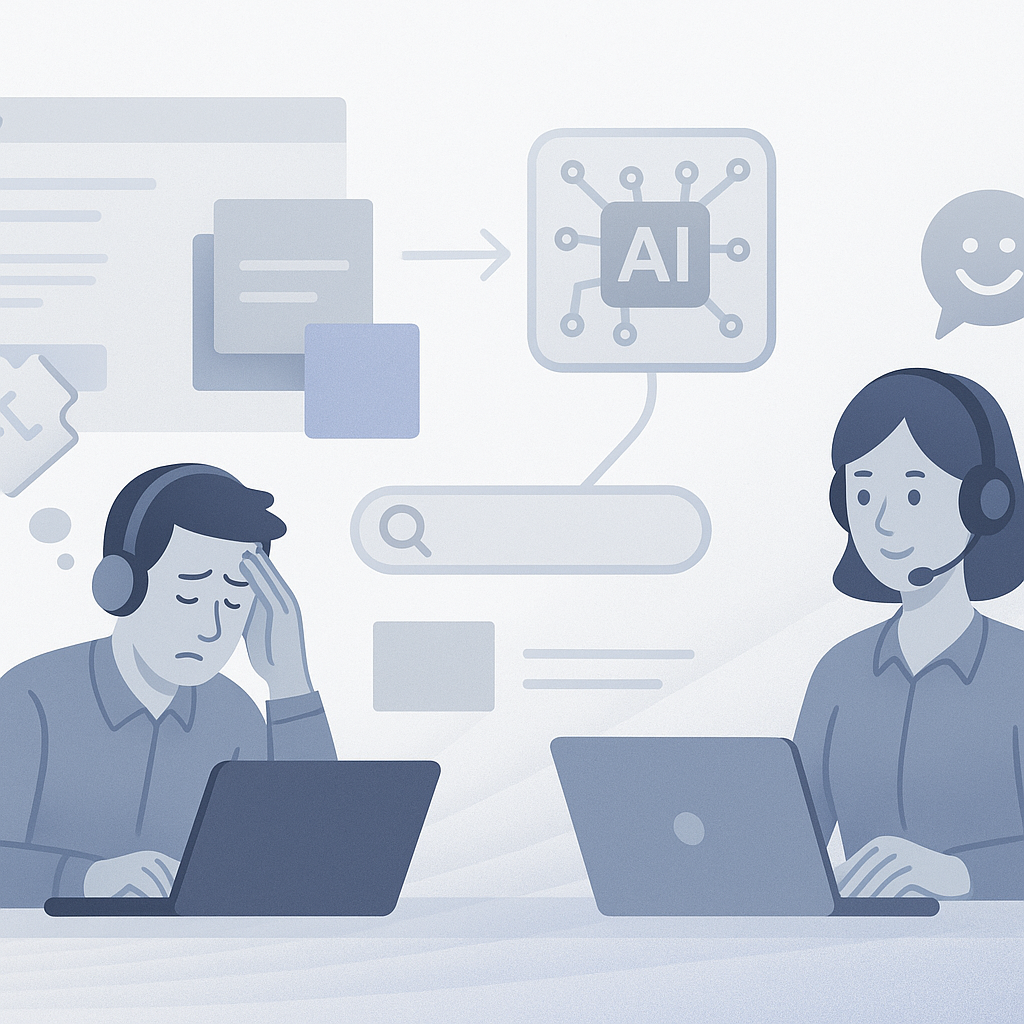
In today's competitive landscape, providing seamless and efficient customer support can make or break your business. One powerful way to enhance this experience is by integrating advanced AI chatbots powered by robust Retrieval-Augmented Generation (RAG) systems, which combine contextual data retrieval with human-like conversations.
At Needle, we offer a Python SDK that can be used to develop these AI-powered customer support solutions. In this blog post, we'll guide you through using our Needle Python SDK to build a support chatbot that leverages the capabilities of Needle's API for context retrieval and large language models (LLMs) like OpenAI's GPT to generate human-friendly responses.
Why Use RAG for Customer Support?
Retrieval-Augmented Generation (RAG) combines two key processes:
Retrieval: Extracting relevant information from large data sets or documents (e.g., product manuals, FAQs, or past tickets).
Generation: Producing natural-sounding responses using an LLM (Large Language Model).
For customer support, this approach ensures that chatbot responses are highly accurate, context-specific, and always grounded in factual data rather than fabricated answers.
RAG Chatbot vs. Traditional Chatbot
| Capability | RAG Chatbot (Needle + OpenAI) | Traditional Rule-Based Chatbot |
|---|---|---|
| Answer accuracy | Grounded in actual documents | Limited to pre-written scripts |
| Handling novel questions | Searches docs semantically | Falls back to "I don't understand" |
| Setup time | < 30 minutes | Days to weeks |
| Maintenance | Update docs, bot updates automatically | Manually update every rule |
| Natural language | Full conversational fluency | Rigid keyword matching |
Setting Up the Needle Python SDK
Before diving into code, make sure you have Python version 3.8 or higher installed. You can easily install the Needle Python library with the following command:
pip install needle-pythonYou'll need an API key from your Needle account to authenticate your API requests. You can find this in the developer settings section of your Needle dashboard. Once you have the key, set it as an environment variable:
export NEEDLE_API_KEY=<your-api-key>Step 1: Create a Collection and Add Documents
To get started, you first need to create a collection of documents that the chatbot will pull context from. Here's how to do it:
from needle.v1 import NeedleClient
from needle.v1.models import FileToAdd

# Initialize the Needle client
ndl = NeedleClient()

# Create a collection for customer support documents
collection = ndl.collections.create(name="Support Docs")

# Add relevant documents to the collection (e.g., product guides or FAQs)
files = ndl.collections.files.add(
    collection_id=collection.id,
    files=[
        FileToAdd(
            name="product-guide.pdf",
            url="https://example.com/product-guide.pdf",
        ),
    ]
)
After adding documents, Needle automatically indexes them for quick and efficient searches. You'll want to ensure the indexing is complete before proceeding:
import time

# Wait until all files are indexed
files = ndl.collections.files.list(collection_id=collection.id)
while not all(f.status == "indexed" for f in files):
    time.sleep(5)
    files = ndl.collections.files.list(collection_id=collection.id)
Step 2: Retrieve Context from the Collection
When a customer asks a question, your chatbot needs to fetch the most relevant information from your collection of documents. Here's how to use the Needle's API to search for the context:
# Define the customer query
query = "What are the troubleshooting steps for issue X?"

# Retrieve relevant context from the collection
results = ndl.collections.search(collection_id=collection.id, text=query)
Needle extracts the most relevant sections of your documents, that the chatbot can use to generate a meaningful response.
Step 3: Generate a Customer-Friendly Response with OpenAI
Now that you've retrieved the context, the next step is to use an LLM like OpenAI's GPT-4.o to craft a natural-language response. You can integrate OpenAI into your pipeline like this:
import openai

# Prepare system messages from the chunks (results)
system_messages = [{"role": "system", "content": r.content} for r in chunks]

# Prepare the user message with the question
user_message = {
    "role": "user",
    "content": f"""
        Only answer the question based on the provided results data.
        If there is no relevant data in the provided results, do not generate an answer.
        This is the question: {prompt}
    """
}

# Call the OpenAI model to generate an answer
answer = openai_client.chat_completions.create(
    model="gpt-4o-mini",
    messages=[
        *system_messages,
        user_message,
    ],
)

# Output the response
print(answer['choices'][0]['message']['content'])
For example, if the customer asked about "troubleshooting steps for issue X," the bot might respond with:
"For issue X, follow these steps: 1. Restart the device. 2. Check your internet connection. 3. Update to the latest firmware version."
Step 4: Handling Errors Gracefully
While working with APIs, handling errors gracefully is essential to ensure your chatbot doesn't crash during unexpected events. If a request to Needle API fails, needle.v1.models.Error the object will be thrown. There you can see a message and more details about the error.
Summary
Building a RAG-powered customer support chatbot with Needle and OpenAI takes just 4 steps: create a document collection, index your support docs, retrieve context via semantic search, and generate human-friendly responses with GPT-4o. The entire pipeline can be built in under 30 minutes using the needle-python SDK (Python 3.8+). Unlike traditional rule-based chatbots that require days of setup and manual rule maintenance, a RAG chatbot automatically stays current when you update your documents and handles novel questions by searching semantically rather than matching keywords.
Whether you're supporting technical products, services, or software platforms, Needle allows you to deliver highly contextualized support in real-time. Have questions or need help? Feel free to join our Discord channel, where our team and community are ready to assist!
Happy Coding! 🚀