Custom Email Filtering and Transformations using Needle Gmail Integration
Fastest way to work with emails. Don't build automations, apply them on-the-fly
Key Takeaways
- Needle's Gmail integration lets you filter, sort, and export emails to CSV in under 1 minute - compared to 15–30 minutes with traditional methods.
- No-code and yes-code automation platforms require setup; Needle applies transformations on-the-fly via a chat interface.
- AI-powered email processing saves knowledge workers up to 60 minutes per day on repetitive data tasks.
- Human-in-the-loop design keeps you in control while AI handles the tedious work.
The Problem: Traditional Email Automation Is Slow
In the world of digital work, we all rely on mini automations to handle those repetitive tasks. Traditionally, this meant diving into one of these approaches:
- Tool's own export function
- Manual lookups
- No-code automation platforms (e.g., Zapier, Make, n8n)
- Yes-code automation (e.g., Python)
Think about exporting emails from Gmail to filter, sort and format data. While these methods will get the job done, they can be cumbersome, time-consuming and tricky to execute. Plus, stopping to do manual lookups or data exports can really throw off your workflow.
Email Automation Methods Compared
| Method | Setup Time | Time per Task | Coding Required | Flexibility |
|---|---|---|---|---|
| Gmail Export | None | 15–30 min | No | Low |
| Manual Lookup | None | 20–45 min | No | Low |
| No-Code (Zapier/Make) | 30–60 min | 5–10 min | No | Medium |
| Python Script | 1–3 hours | 2–5 min | Yes | High |
| Needle + Gmail | 2 min | <1 min | No | High |
How Needle Transforms Email Workflows
That's where AI-powered tools like Needle come in, changing the game for how we work. Needle is all about integrating AI into your daily tasks, making it your go-to assistant for automating complex processes. With Needle, you can do things like custom filtering and data transformation super fast.
Here's how it works in 3 simple steps:
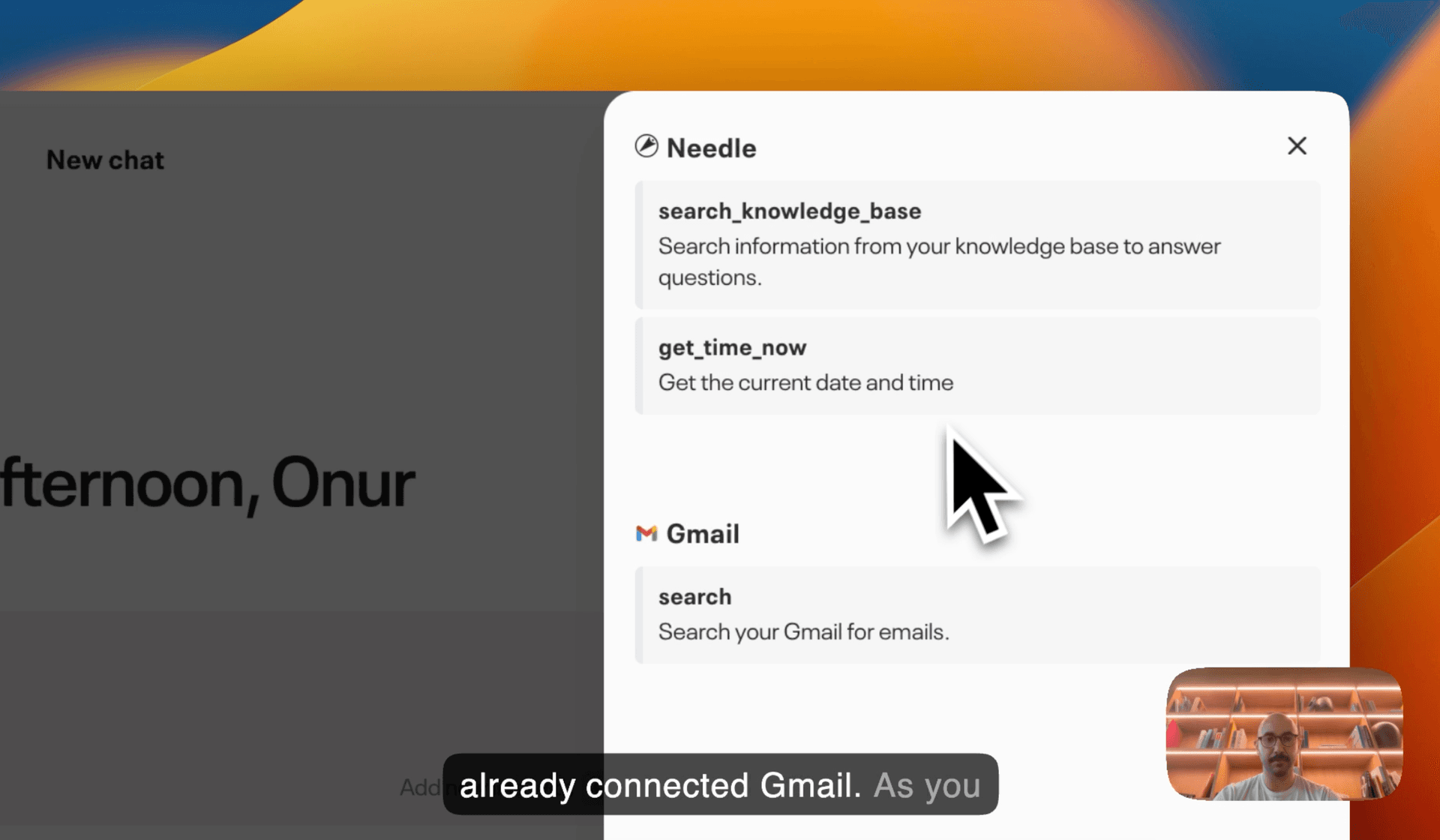
- Connect Gmail - Link your Gmail account to Needle in under 2 minutes via the integrations page.
- Ask in natural language - Tell Needle what you need, e.g., "Export all invoices from last month as CSV."
- Get your results - Needle grabs, filters, and formats email data into a structured CSV in under 60 seconds.
See our tutorial video above to watch how that works in practice.
Compare this to traditional methods, and the time and hassle savings are clear.
Future of Work
The perks of using AI with your work tools are huge. Not only does AI speed things up, but it also boosts accuracy and takes the mental load off you. Needle is leading the charge into this new way of working, where AI is your right-hand helper, freeing you up to focus on the big-picture stuff. This human-in-the-loop setup means AI handles the boring bits while you keep an eye on things to make sure everything's on track.
As we shift towards a more AI-driven work environment, tools like Needle are making life easier and more productive. By automating the nitty-gritty tasks, Needle gives you back precious time - up to an hour every day - so you can make the most of your workday. Embrace the future of work with AI by your side, and let Needle transform how you manage your digital tools.
Summary
Traditional email filtering methods - manual exports, no-code platforms, or custom scripts - cost teams 15 to 60+ minutes per task and often require significant setup. Needle's Gmail integration eliminates that overhead by letting you filter, transform, and export email data in under 1 minute using natural language. With zero coding and minimal setup, Needle saves knowledge workers up to 60 minutes daily while keeping them in full control of the process.