Problem: The Daily Dinner Question - Let's Vibe Automate Together
Building a real workflow together, start to finish by chatting.
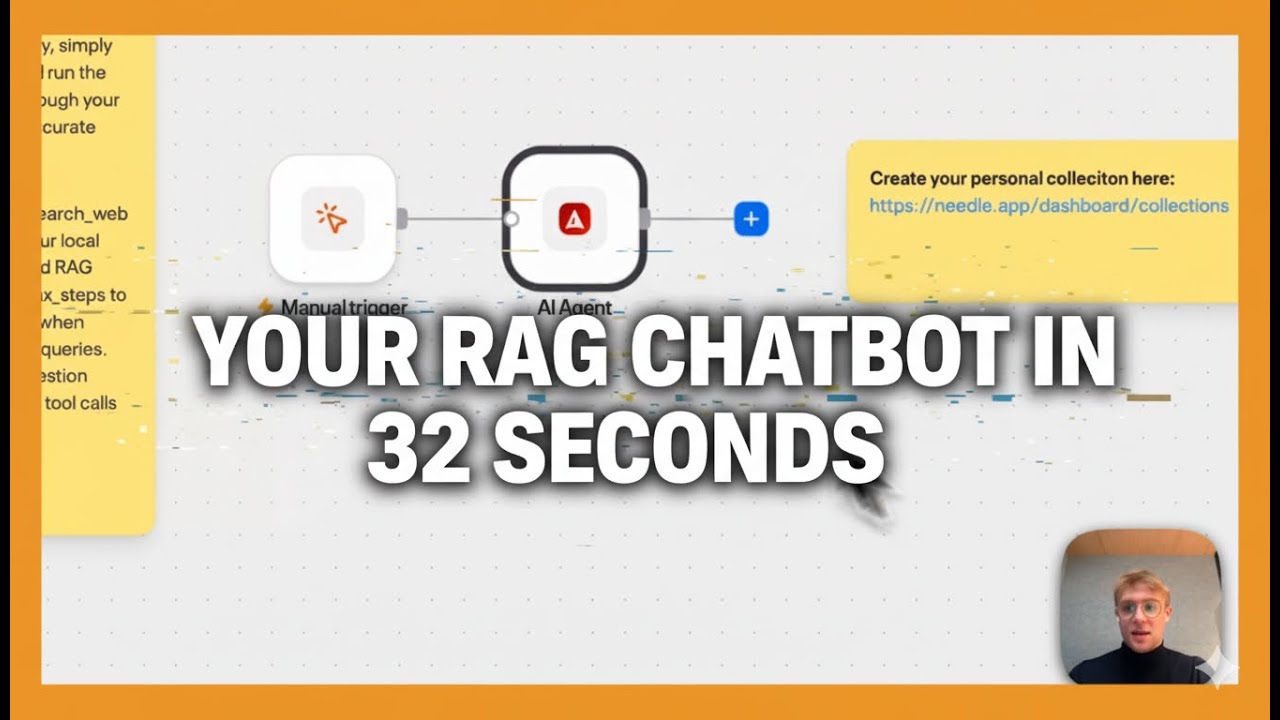
What if you could build an entire automation workflow just by describing what you need in plain English? No drag-and-drop, no configuration panels, no documentation to read. We call this "vibe automation" - and we built a real workflow from scratch to show how it works.
Key Takeaways
- Built an entire 4-node workflow by chatting with an AI agent - zero manual configuration
- The agent auto-generated: scheduled trigger → web scrape → AI filter → Slack notification
- Setup took under 5 minutes from problem description to running automation
- Fully customizable by continuing the conversation - change timing, channels, logic, or data sources
Traditional Workflow Building vs Vibe Automation
Vibe automation fundamentally changes how workflows get built. Here's how the two approaches compare:
| Aspect | Traditional Workflow Builder | Vibe Automation (Needle) |
|---|---|---|
| Setup time | 30–60 minutes configuring nodes | Under 5 minutes via conversation |
| Technical skill required | Must understand node types, APIs, data mapping | Describe what you want in plain English |
| Customization | Edit config fields in each node | Tell the agent what to change |
| Iteration speed | Minutes per change (find field, update, test) | Seconds per change (describe, agent updates) |
| Learning curve | Steep - read docs, watch tutorials | None - if you can describe it, you can build it |
How Vibe Automation Works in 4 Steps
Here's the exact process we followed to build our daily dinner workflow:
- Describe the problem in plain English - We opened the Needle chat and typed: "Build a workflow that runs every weekday at 17:00 Berlin time, scrapes Uber Eats for dinner options near our office, filters out unhealthy options, and sends 3 recommendations to our #dinner Slack channel."
- The agent designs the workflow - Within seconds, the AI agent analyzed our description, selected the right node types, and assembled a 4-node directed acyclic graph (DAG) with the correct data flow between nodes.
- Review and refine by chatting - We asked the agent to "exclude pizza and burgers - we're trying to eat healthy" and it updated the AI filter node's prompt automatically. No manual config editing.
- Hit publish - One click and the workflow runs every weekday at 17:00 automatically. Total time from problem description to running automation: under 5 minutes.
The 4 Nodes the Agent Built
The AI agent selected and configured these 4 nodes automatically based on our natural-language description:
- Scheduled Trigger - Fires every weekday at 17:00 CET (Berlin time). Handles timezone conversion and weekday-only scheduling automatically.
- Web Scrape Node - Pulls the current menu options from Uber Eats for restaurants near the office address. Extracts restaurant names, cuisine types, delivery times, and ratings.
- AI Filter Node - Uses an LLM to filter scraped results: removes pizza and burger-heavy restaurants, ranks remaining options by variety and healthiness, and selects the top 3 recommendations with short descriptions.
- Slack Notification Node - Posts a formatted message to the #dinner channel with the 3 recommendations and asks who's staying for dinner. Includes emoji reactions for quick polling.
5 Everyday Tasks Perfect for Vibe Automation
The daily dinner workflow is just one example. Here are 5 more everyday tasks that take minutes to automate via vibe automation:
- Morning news digest - Scrape industry news sites daily, have AI summarize the top 5 stories relevant to your team, and post to a Slack channel before standup.
- Competitor monitoring - Track competitor pricing pages or product changelogs weekly, flag significant changes, and email a summary to your product team.
- Meeting prep briefs - Before every external meeting, pull the attendee's company info, recent news, and your last interaction notes into a quick briefing document sent to your inbox.
- Social media content scheduling - Scrape trending topics in your niche daily, have AI draft 3 post options, and send them to a review channel for your marketing team to pick from.
- Weekly team health check - Every Friday, send a Slack poll asking team members to rate their week (1–5), collect responses, and email a summary to the engineering manager on Monday morning.
Summary
Vibe automation lets you build workflow automations by describing what you need in plain English. No drag-and-drop, no configuration panels, no technical expertise required. Our daily dinner workflow - 4 nodes, scheduled trigger, web scraping, AI filtering, and Slack notification - took under 5 minutes to build and runs automatically every weekday. Any repetitive task you can describe, you can automate.
Try it yourself: Open the Needle chat, describe a task you do repeatedly, and see what the agent builds.