How to nail your product launch
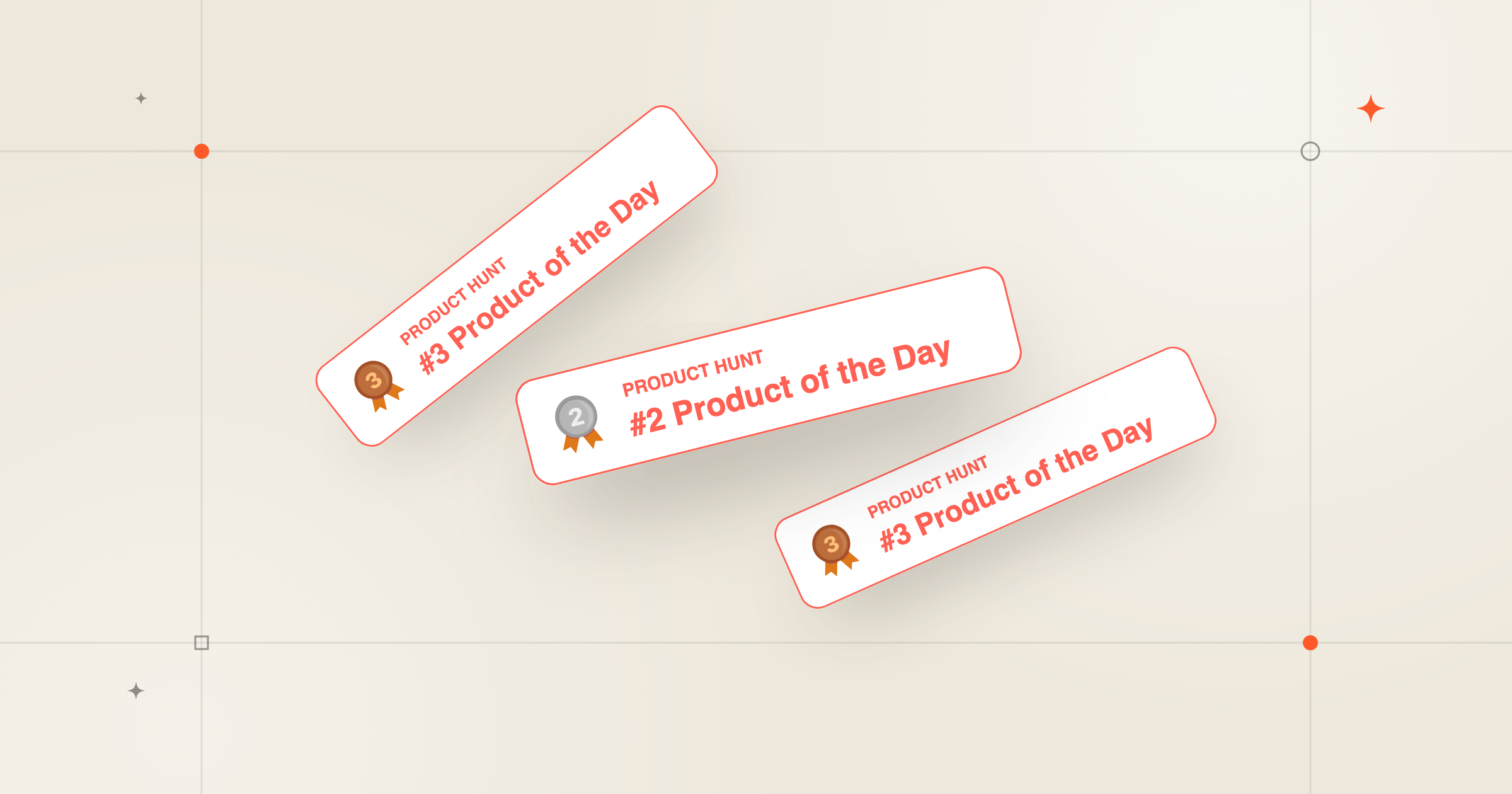
We launched Needle three times in the last 12 months. Each time, the anchor was a Product Hunt launch, because many of the people we build for are there. We finished #2, #3 and #3 of the day. On our last launch day, signups were up 563% on a normal day.
How to launch on Product Hunt, in short: get your video, graphics and hunter ready a week before, get featured, build launch lists and campaigns, then on launch day switch them on and post updates through the day.
Some of this is specific to us and our audience. Most of it works for any product launch where the goal is signups on the day. Let's get started.
Before the launch
Get the message, video and graphics ready
Get the one-line message, the launch video, the gallery graphics and the first comment for the Product Hunt page done a week before. Everything after that is distribution.
We also had lunch with Matthias Rossini, who had launched EditWithAva, and he shared his playbook. One lunch saved us most of the mistakes.
Line up a hunter and get featured
Get a hunter ready to endorse your launch. Schedule the launch at least two days ahead and submit it to be featured. If Product Hunt does not feature you, your chances of a top 5 spot are low.
Build your launch lists
List 1: people you already know. We had Claude read our LinkedIn inbox since January 2025: 3,097 conversations. It found 346 people we had talked to about Product Hunt before. 32 had asked us to support their launch. We had asked 314 of them. Each group got its own short message.
List 2: people who launched before. We searched LinkedIn for posts announcing a Product Hunt launch and kept only the people who launched their own product: 489 people. They know what launch day feels like, and many already have a Product Hunt account. An example prompt:
Example
Use Needle to search LinkedIn posts from the last 2 weeks
that announce a Product Hunt launch.
Keep only people who launched their own product (founder or team).
Table: name, title, company, product, post link.
The invite note offered something back:
Example
hey {first name}, saw your {product} launch on product hunt - congrats! we're live there today with needle, would mean a lot if you check it out. happy to support yours tooList 3: Slack community members. We joined the GTM and founder Slack communities next to our niche. Slack has no export button for members, but the member list loads from one request. Open the member list, open your browser’s developer tools (Network tab), find the request that loads the members, copy it as cURL and paste it into Claude:
Example
Here is a cURL request that loads the member list
of a Slack community I am in: PASTE CURL.
Call it page by page until there are no more members.
Save name, title and any LinkedIn or company field to a CSV.
Claude pages through the list and exports every member. Then load the list into Needle and run the outreach on LinkedIn and Instagram from the same chat. Check each community’s rules before you message its members.
In March we did the same with past Product Hunt users and sent the outreach with Browser Use. In October we ran it from Claude with Needle across six LinkedIn accounts. All lists together held 1,714 people.
Build a launch hub
One page in Lovable with pre-written messages and posts, so anyone who wants to help can copy, paste and be done in 30 seconds. Ours is still live: needle-launch.lovable.app.
Free up outreach capacity
LinkedIn accounts have daily limits. In October we paused 70 always-on campaigns two days before, so every account had room for launch invites and messages.
During the launch
Switch on the prepped campaigns
At 00:01 Pacific the lists go live. The LinkedIn and Instagram campaigns you built in Needle start sending: invites to past launchers and Slack members, messages to people you know. Next to the automated outreach, the team sends personal messages by hand to the people who matter most.
Message WhatsApp groups and friends by hand
We posted the launch in every WhatsApp group we are in and pinged friends one by one. We tried to automate the one-by-one messages with a browser agent. WhatsApp blocked the account for the day after about 20 messages. Do this part by hand, or with the launch hub. Through the day we also posted updates in our WhatsApp community.
Post updates on LinkedIn through the day
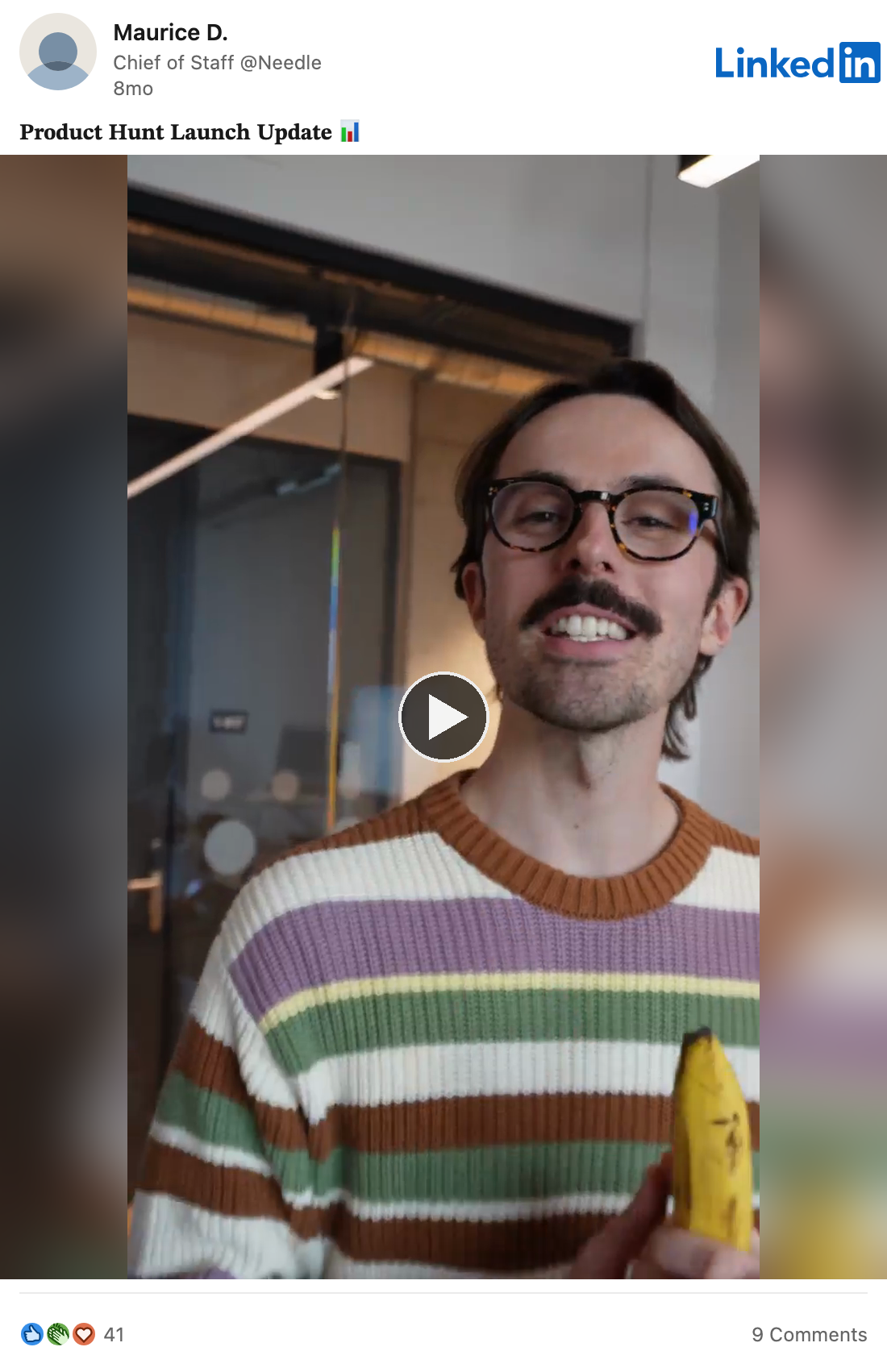
On launch day in March I posted three short videos on LinkedIn: “Product Hunt Launch Update” #1, #2 and #3, filmed on the phone, with the launch link in the comments. Watch update #1.
Send Luma invites (optional)
If you run events on Luma, your guest lists are a launch list. On an event, Invite Guests lets you paste emails or upload a CSV, and Luma skips anyone already on the guest list. We sent our launch invite to 1,000+ people in one go. Luma Plus allows 5,000 sends a week, the free plan 500 once sends are unlocked (Luma send limits, read 26 November 2026).
We also sent calendar invites for the launch.
Line up creator posts
In October, paid creators posted about the launch with a “comment to get it” call to action.
After the launch
Answer everyone and say thanks
Reply to every comment on Product Hunt and LinkedIn, and thank the people who supported you.
Post the results with a promo code
A final post the day after: rank, what worked, what did not, and a thank you. Put a promo code in it for one last wave of attention. After our October launch we offered 50% off for 6 months with the code PH2026, valid for 14 days, in our launch post.
Check what moved signups, not votes
21 October 2026, 09:00 to 09:00 the next day (Berlin), compared with the daily average of 7 to 20 October.
| What we did | Result |
|---|---|
| Launch day overall | Visitors +158%, signups +563% |
| Visitors from producthunt.com | 27% of visitors, about 1 in 5 tracked signups |
Your network votes, it does not sign up. Product Hunt visitors do, so the rank decides how many of them see you.
Onboard the day-one signups
Signups are not users. 16% of the signups in the first 24 hours started a campaign that sent a message. Have calendar slots ready to onboard them in the days after. Then switch your paused campaigns back on.
Launch checklist
Before
- Video, graphics, lists and campaigns ready a week ahead.
- Hunter lined up, launch scheduled 2+ days ahead, featured.
- Launch hub live.
During
- Campaigns on, friends and groups by hand.
- LinkedIn updates through the day.
After
- Thank everyone.
- Results post with a promo code.
FAQ
What time does a Product Hunt launch start?
At 00:01 Pacific time. Our October 2026 launch went live at 00:01 PT, which is 09:01 in Berlin.
Should you ask people to upvote?
Product Hunt says no. Ask people to check out the launch and leave honest feedback. Our upvote asks did not bring signups anyway.
How do you get featured on Product Hunt?
Schedule your launch at least two days ahead, have a hunter ready to endorse it, and submit it to be featured. Without a feature, a top 5 finish is unlikely.
Does the rank matter if you want signups?
Yes. Your network will not sign up either way. A top-3 rank puts you in front of Product Hunt visitors, and they are the ones who sign up.
How many upvotes do you need for the top 3?
It changes every day. We finished #3 with 309 upvotes in October 2026 and #2 with 561 in March 2026 (totals as of 26 November 2026).