LinkedIn outreach: how we booked 321 calls in 2 months
We booked 321 calls in two months with one LinkedIn outreach setup: message people who just showed a buying signal, from our own accounts, with a human approving every message.
What is the setup?
Claude does the thinking. Needle gives Claude hands: search LinkedIn and run campaigns from your own account. Three steps, about five minutes.
Step 1: connect
Create a Needle account, connect your LinkedIn account, then add Needle to Claude.
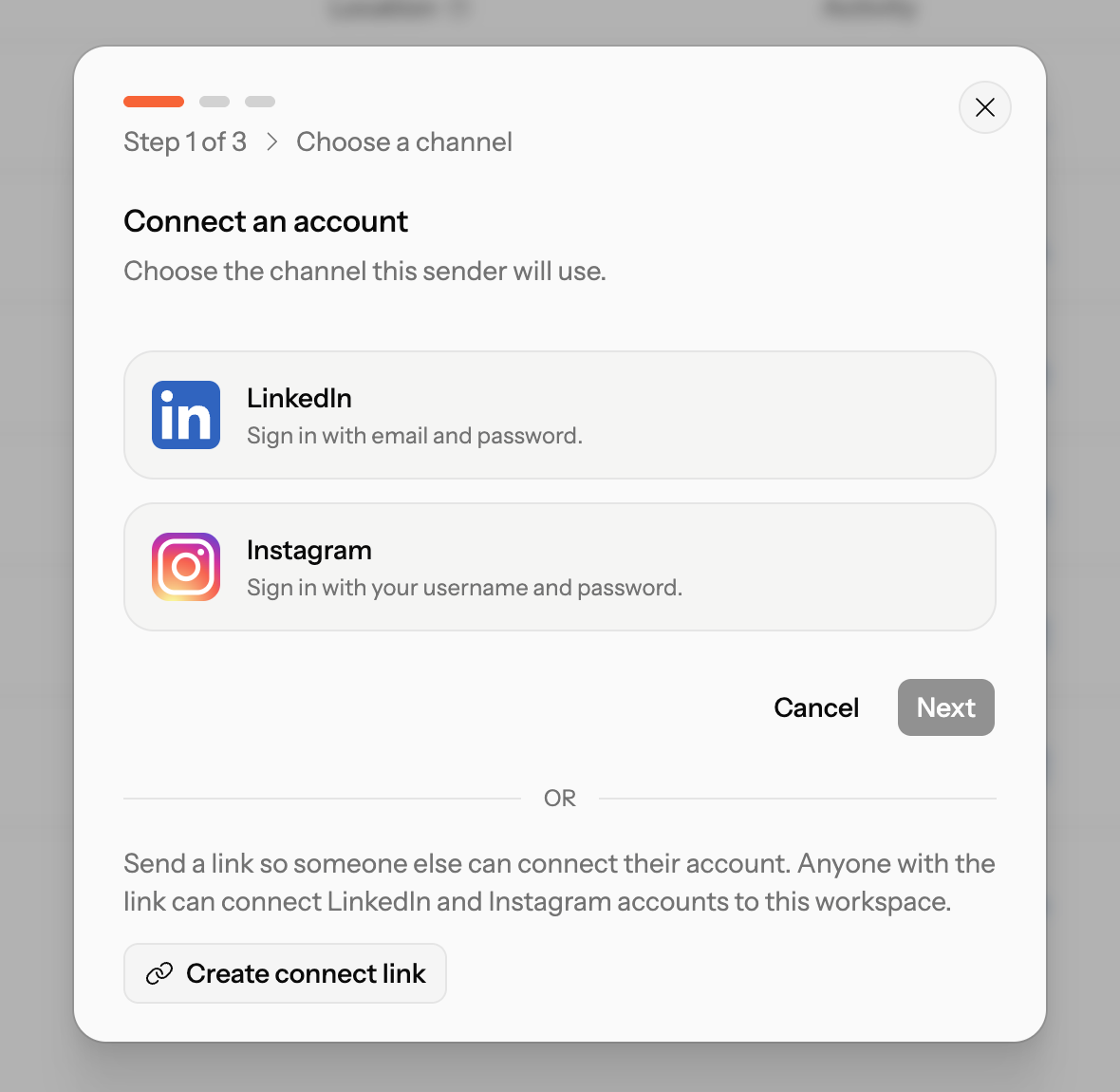
In Claude Code that is one line:
claude mcp add --transport http needle https://needle.app/mcp/v1Any other MCP app takes the same server URL. In Claude on web and desktop, add it as a custom connector:
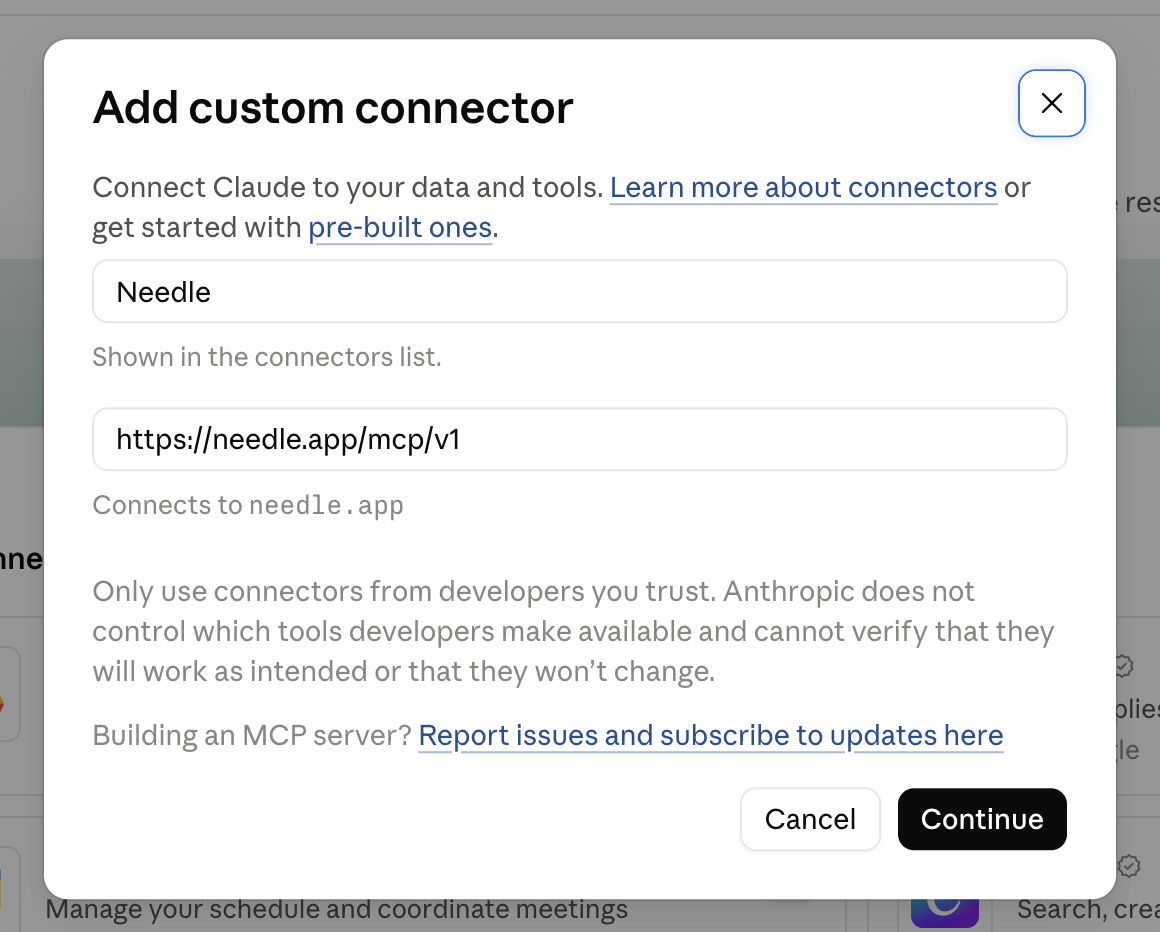
Test it with one prompt:
Use Needle: who am I signed in as, and which LinkedIn accounts are connected?Step 2: find people with a signal
An example. Swap the domain. The second step is the one that matters: pick the signal that fits this buyer, instead of running every signal.
Example
My company: YOURDOMAIN.com

1. Read my website and sum up in 3 lines who we sell to:
   industry, company size, buyer title.
2. Decide which buying signal fits that buyer best.
   Prefer people who just did something public about the problem we solve:
   commented on a post, or engaged with a creator or competitor in our space.
   A job post, a funding round or a new role only shows the company has budget.
   Skip those unless you can say why this specific person wants to talk.
3. Use Needle to find 10 people who match AND show that signal right now.
   Table: name, title, company, the signal, why it fits this buyer, profile link.
When you already have the post, this example is sharper. It is the signal that replied best for us:
Example
Here is a LinkedIn post from COMPETITOR: POST URL.
Use Needle to list everyone who commented. Keep only people who match my ICP
(ICP IN ONE LINE). Table: name, title, company, what they commented.
Both are examples. The breakdown of every signal we tested is in the next section.
 Claude
 Codex
 ChatGPT
 Cursor
Step 3: reach out, with approval on
Example
Use Needle to create a campaign from my LinkedIn account
with these leads: 1) connection invite, 2) once accepted, a short
personal first message based on their profile and posts,
3) follow-up after 3 days. Skip anyone on my suppression list.
Turn on approval for every message.
The first message is one line that names the signal. An example of ours:
Example
saw you commented on {creator}'s post - we're building something similar, would love to chatOne follow-up after three days. Then we stop. Any reply, a human takes over.
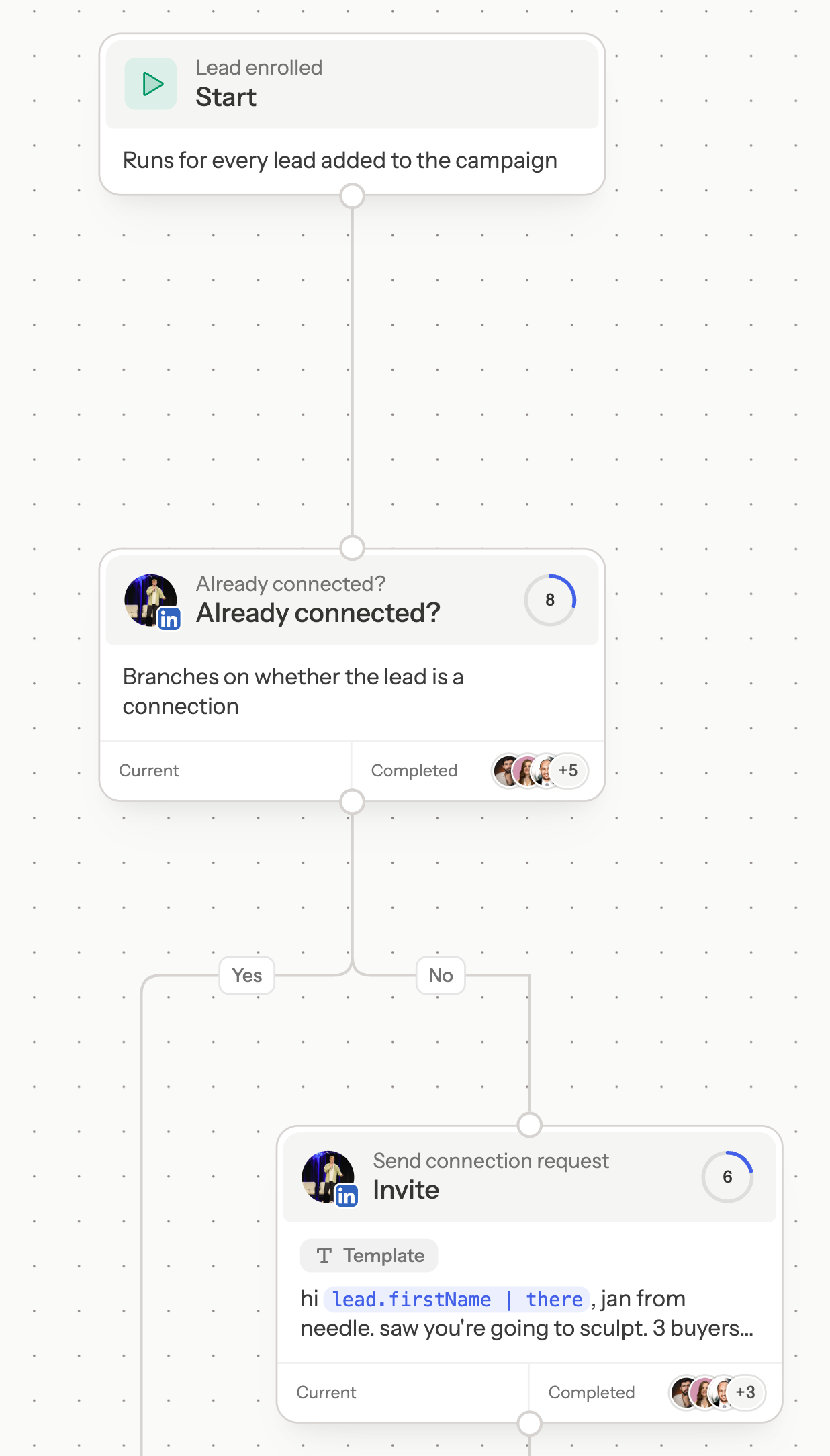
We tried to remove the human. Hundreds of prompts, eval loops, different models. The AI got the heavy lifting right and the judgement wrong: which signal to pick, how to bridge an earlier conversation. So approval stays on.
Which buying signals got replies?
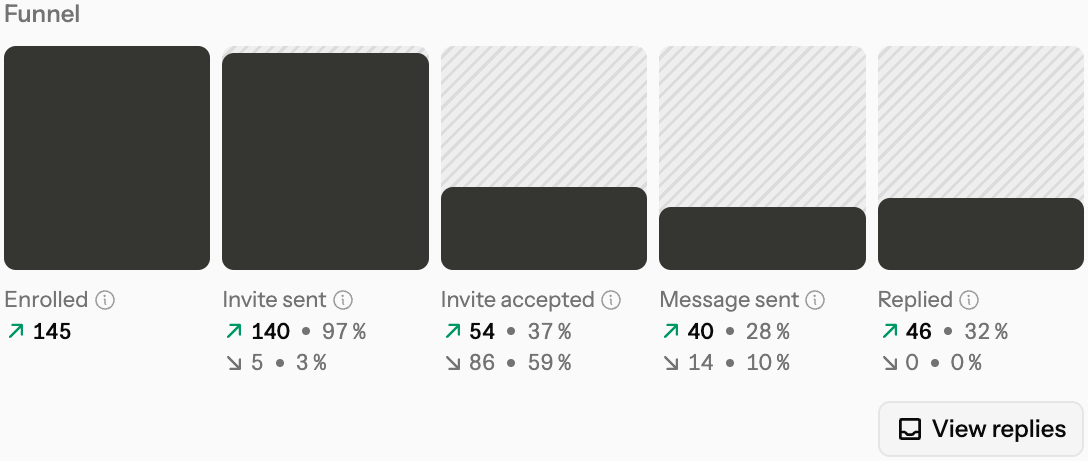
Two weeks, 15 to 29 October 2026. 91 campaigns, six LinkedIn accounts, 2,253 people contacted for the first time. A reply means they wrote back once. It does not mean they said yes.
| Signal | Contacted | Replied | Reply rate |
|---|---|---|---|
| Engaged with a creator’s post about our topic | 59 | 27 | 45.8% |
| Commented on a post in our category | 524 | 179 | 34.2% |
| On an event guest list | 354 | 114 | 32.2% |
| Engaged with a competitor’s post | 77 | 23 | 29.9% |
| Profile says they partner with other GTM tools | 96 | 28 | 29.2% |
| Lookalikes of closed deals | 167 | 38 | 22.8% |
| Launched on Product Hunt, cold invite | 247 | 46 | 18.6% |
| Followers of our company page | 121 | 12 | 9.9% |
The top four rows are people who did something in public in the last few days. The row after those is a profile claim, not a fresh action: they say they partner with other GTM tools, and it replied at 29.2%. The bottom three rows are firmographics lists. Same accounts, same writers, same two weeks.
The top row is small, 59 people. Treat 45.8% as a direction, not a benchmark.
What did not work?
Hiring. We messaged 70 people after their company posted an SDR job, with a list of leads as a gift. Zero positive replies. A job post shows budget. It does not show that this person wants to talk.
Funding. 25 founders who had just raised. No replies.
Company page followers. 9.9% replied, none booked. Following a page is not a buying signal.
Asking our own network. 558 messages to first-degree connections around our Product Hunt launch: 92 replies, zero bookings. Warm is not the same as in-market.
Instagram. 2,360 DMs in the same window. We could not tie replies back to the people we messaged, so we do not count it.
Top 3 learnings
- Start with a fresh public signal. Someone who just did something in public is further along than a name that only matches a profile.
- Judge a signal by positive replies. A reply can be a no. The replies that want a conversation decide where the next messages go.
- Keep the sequence boring. Invite, one message, one follow-up. Spend the extra time on the list.
For more prompts and tips, visit Build your LinkedIn outbound machine.
FAQ
What is a good reply rate for LinkedIn outreach?
In our data, 30% to 46% when the person showed a signal in the last few days, and 10% to 23% for a firmographics list. Profiles that say they partner with other GTM tools replied at 29%, closer to a signal than to a list.
Does Claude send messages without me?
Not when approval is on. The campaign prompt above turns approval on for every message, so each draft waits in the Needle inbox until you approve it. You can switch approval off later.
Do I need Sales Navigator?
No. Needle works with a standard LinkedIn account. If you have Sales Navigator, you get more flexibility: finer filters, and it is better for sending more messages. Ask Claude to use the Sales Navigator search.
Which AI apps does this work with?
Claude on web and desktop, Claude Code, and any app that supports MCP, for example ChatGPT, Codex and Cursor. Setup per app is in the Needle MCP docs.