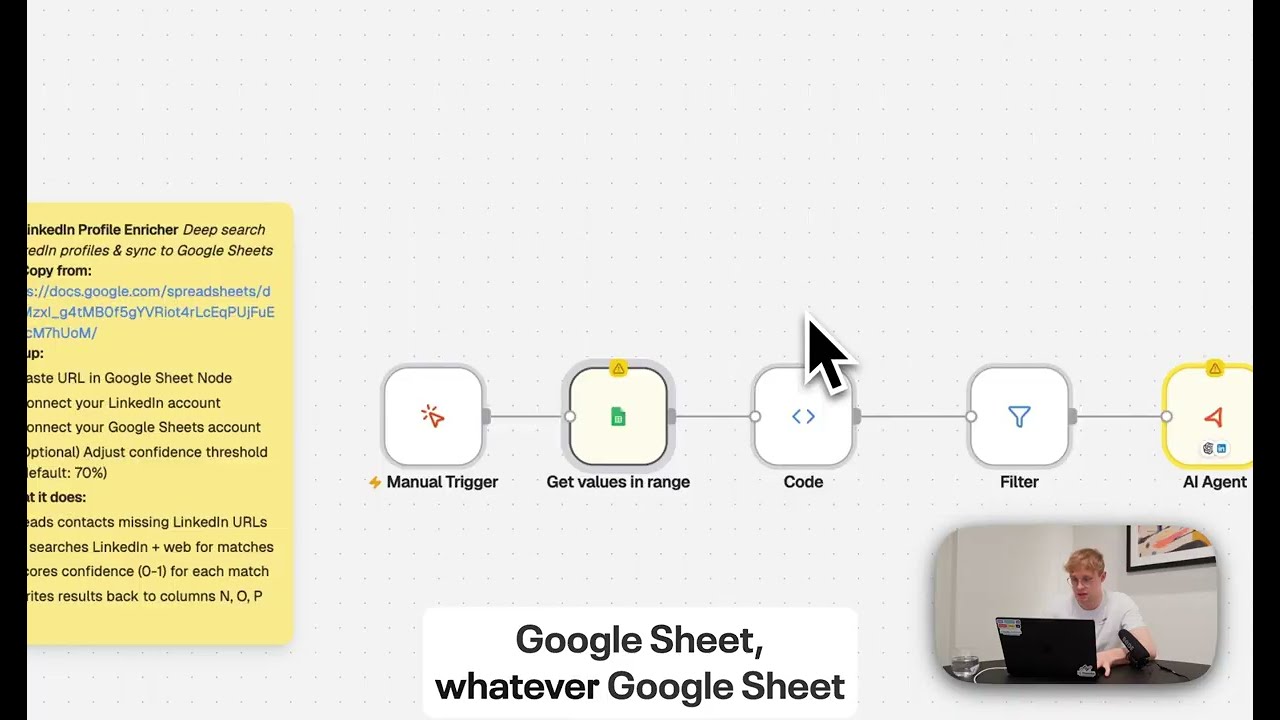
Does RAG in Workflows Have to Be This Hard?
When "low-code" still requires too much code
Key Takeaways
- n8n RAG requires 13+ configuration steps across 2 separate workflows, including manual vector database setup, embedding model selection, and chunking strategy decisions.
- Needle Collections reduce RAG to 2 steps: upload documents and query - with automatic indexing, chunking, and embedding handled behind the scenes.
- Needle's managed RAG eliminates the need for vector database expertise, embedding model selection, or chunk-size tuning.
- For teams that don't need fine-grained control over RAG parameters, a fully-managed solution saves an estimated 1–3 hours of setup and ongoing maintenance.
- Needle also integrates with n8n via MCP tools, so you can combine n8n's automation with Needle's managed RAG.
I was reading n8n's documentation on setting up RAG the other day, and honestly? I got exhausted just scrolling through it.
Don't get me wrong: n8n is a solid automation tool. But their approach to RAG feels like being handed IKEA furniture with instructions in Swedish when all you wanted was a chair to sit on.
The 13-Step n8n RAG Setup Process
Setting up RAG in n8n requires configuring multiple nodes, selecting models, and making architectural decisions at every turn. Here's the full breakdown of what n8n asks you to do:
- Add data source nodes - Fetch your source documents into the workflow
- Insert a Vector Store node - Choose from multiple vector database providers (Pinecone, Qdrant, Supabase, etc.)
- Select an embedding model - Pick between
text-embedding-ada-002,text-embedding-3-large, or others (check the FAQ for guidance) - Add a Default Data Loader node - Configure how documents are loaded into the pipeline
- Choose a chunking strategy - Character Text Splitter, Recursive Character Text Splitter (recommended), or Token Text Splitter
- Configure chunk size - 200–500 tokens? Larger? n8n says it "depends a lot on your data"
- Set overlap parameters - Define how much text overlaps between adjacent chunks
- Add metadata - Optional but recommended for better retrieval quality
- Create a separate query workflow - Ingestion and retrieval are split across 2 workflows
- Configure the AI agent - Set up the agent node in the query workflow
- Add the vector store as a tool - Write a description so the agent knows when to use it
- Set retrieval limits and enable metadata - Configure how many results to return
- Ensure embedding model consistency - You MUST use the same embedding model for ingestion and retrieval, or results break silently
And if you want to get fancy, you'll also need to understand Markdown splitting vs. Code Block splitting, contextual summaries for chunks, and sparse vector embeddings.
Why "Low-Code" Still Feels Like Too Much Code
I appreciate what n8n is trying to do. Visual workflow builders are great. But calling this "low-code" is like calling a Tesla "low-maintenance" because you don't have to change the oil.
Sure, you're not writing Python scripts. But you ARE becoming a part-time data engineer who needs to understand:
- Vector database architecture and provider selection
- Embedding model selection criteria and trade-offs
- Text chunking strategies and optimal parameters
- Semantic search optimization and retrieval tuning
- Agent tool configuration and prompt design
Their own documentation literally says: "This again depends a lot on your data" when explaining chunk sizes. Translation: "Good luck, figure it out yourself."
Needle Collections: Fully-Managed RAG That Just Works
RAG is powerful and should be accessible to people who aren't ML engineers. At Needle, we built RAG the way it should work: with Needle Collections, a fully-managed RAG service that handles all the complexity automatically.
Here's what Needle Collections manage behind the scenes so you don't have to think about it:
- Document indexing - Upload files, paste URLs, or connect entire websites
- Intelligent chunking - Automatically optimized for your content type
- State-of-the-art embeddings - No model selection required
- Vector database management - Production-ready, scalable infrastructure
- Auto-reindexing via connectors - Google Drive, SharePoint, Slack, GitHub, Obsidian
- Unlimited document storage - Not limited to 20–30 docs like ChatGPT Custom GPTs
- Production-ready infrastructure - Managed, monitored, and maintained 24/7
No configuration. No tuning. No vector database expertise required.
How to Set Up Needle RAG in 2 Steps
Step 1: Chat with Your Data Directly
- Create a Collection in your Needle Dashboard (Workspaces → Projects → Collections)
- Upload your files (PDFs, docs, markdown, entire websites)
- Ask questions in the built-in chat interface
Done. Automatic indexing, automatic chunking, instant answers with citations. Typical setup time: under 2 minutes.
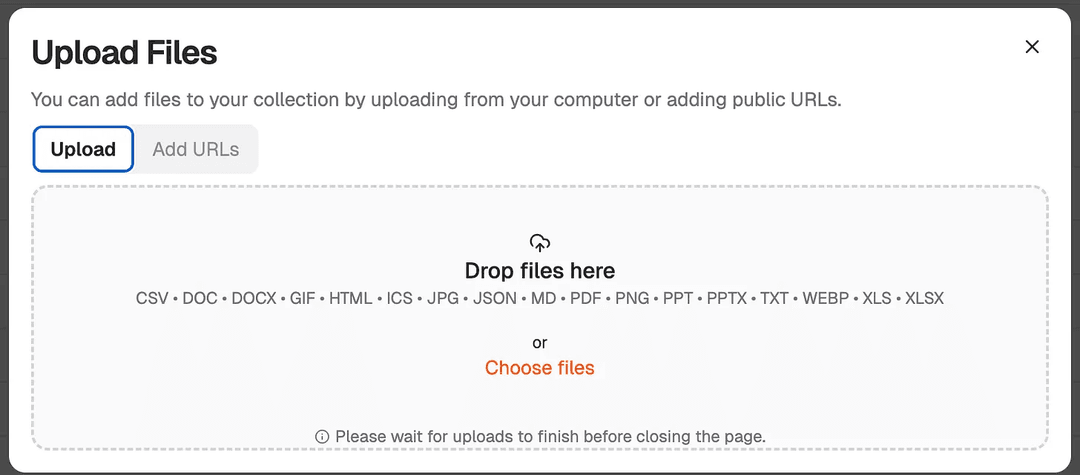

Step 2: Build a Custom RAG Workflow (2 Nodes)
Want to build custom RAG workflows? Here's the entire setup:
- Manual Trigger - Ask your question
- AI Agent with search_collection tool - Returns the answer with source citations
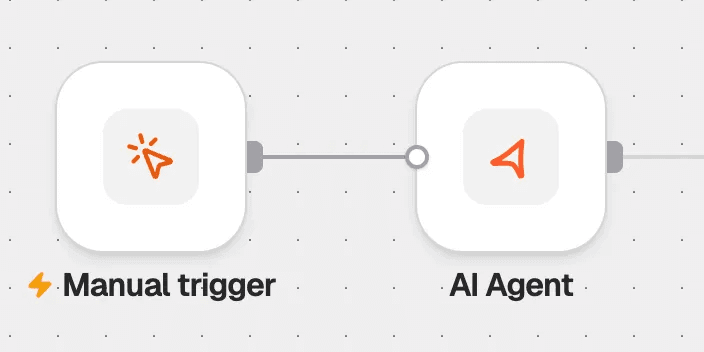
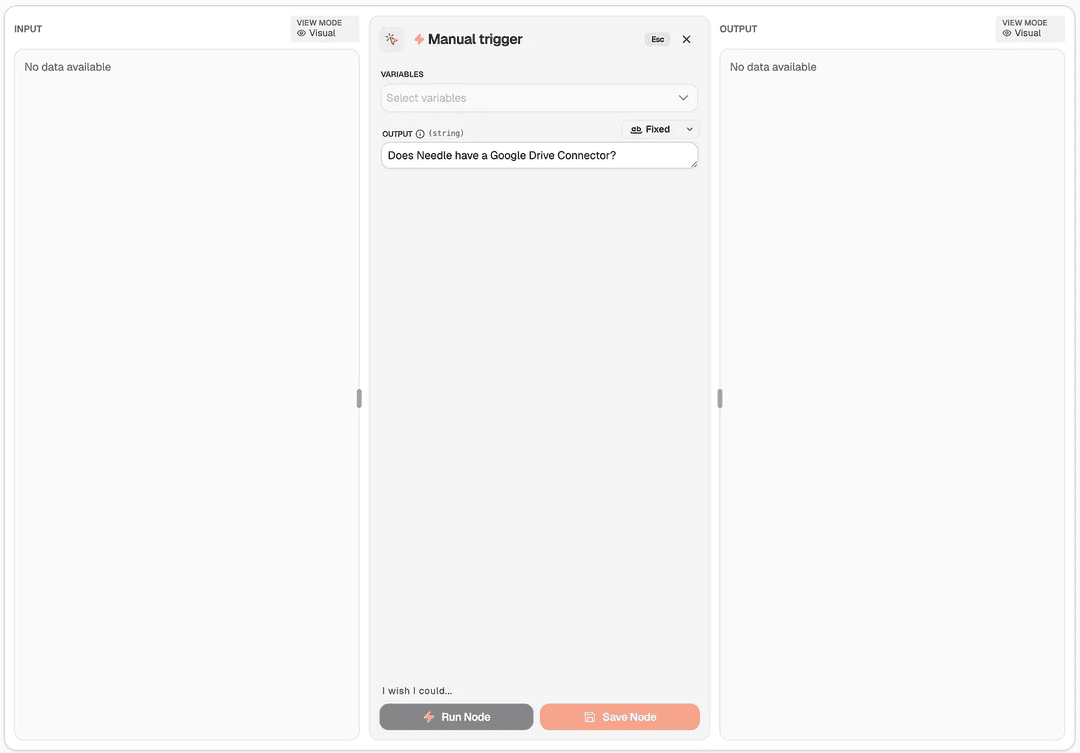
That's it. Check out the template. No complex chains. No prompt engineering. No vector database management. Just 2 nodes.
Needle vs. n8n RAG: Full Side-by-Side Comparison
Here's a side-by-side comparison of every major RAG task, showing what n8n requires you to configure manually versus what Needle handles automatically:
| Task | n8n RAG | Needle RAG |
|---|---|---|
| Set up vector database | Choose provider, configure nodes | Fully managed (Collections) |
| Select embedding model | Manual selection, check FAQ | Automatic, state-of-the-art |
| Configure chunking | Choose strategy, size, overlap | Intelligently optimized |
| Index documents | Build ingestion workflow | Upload to Collection (one-click) |
| Query your data | Configure agent + tools + limits | Chat interface OR 2-node workflow |
| Reindex on updates | Build webhook automation | Auto-sync connectors |
| Production deployment | Self-host infrastructure | Managed, production-ready |
| Workflow complexity | 13+ nodes across 2 workflows | 2 nodes (or just use chat) |
| Estimated setup time | 1–3 hours (plus debugging) | Under 2 minutes |
When to Choose n8n RAG vs. Needle RAG
Don't get me wrong - if you're a data science team building highly customized RAG pipelines with specific chunking requirements for academic research, n8n's approach gives you control. You WANT to tune those parameters.
But if you're a:
- Marketing team that needs to search through past campaigns
- Sales team wanting to query your CRM and docs
- Support team looking to automate answers from your knowledge base
- Developer building an AI agent that needs company knowledge
- Ops person who just wants AI to read your Google Drive
...you don't need 13 steps and a PhD in embeddings. You need Collections.
The Real Question About RAG Complexity
n8n's documentation proudly states: "RAG in n8n gives you complete control over every step."
But here's what they don't ask: Do you WANT control over every step?
When you use Google, you don't configure the PageRank algorithm. When you use Spotify, you don't tune the recommendation engine parameters. You just use the damn thing.
RAG should work the same way. That's why we built Needle Collections - production-ready RAG that just works.
Try Needle's RAG Approach
No-code path: Create Collection → Upload docs → Chat with your data
Workflow path: 2 nodes using our RAG template
No chunking strategies. No vector databases. No embedding debates. Just production-ready RAG with automatic indexing and intelligent retrieval.
Summary
n8n is a capable automation platform, but its RAG setup demands 13+ configuration steps, deep knowledge of vector databases, embedding models, and chunking strategies - with an estimated 1–3 hours of setup time. Needle Collections collapse that entire process into 2 steps: upload your documents and start querying, with all infrastructure managed automatically in under 2 minutes. For teams that need production-ready RAG without the engineering overhead, Needle offers a dramatically faster, simpler path. And if you still love n8n for your other automations, Needle integrates directly via MCP tools for the best of both worlds.
P.S. If you're currently maintaining an n8n RAG workflow and debugging chunk overlap parameters at 11pm, consider that "fully-managed" might be better than "fully-configurable." Create a Collection, upload your docs, and you're done.
P.P.S. Yes, we have an n8n integration too. Use Needle's MCP tools in your n8n AI Agent workflows if you want the best of both worlds: n8n's automation + Needle's managed RAG. See the docs.
Jan Heimes is Co-founder & vibe automation magician at Needle. When he's not simplifying RAG he's running LinkedIn automations and occasionally messaging himself by accident.