Introducing Needle's GitHub Integration: Seamless Knowledge Management for Developers
Bridge the gap between your code repositories and documentation with Needle's latest GitHub integration

Key Takeaways
- Needle's GitHub integration lets you query repositories, create issues, and summarize PR feedback directly from Needle's chat interface.
- Two-way sync: push information between GitHub and other connected tools like Notion and Slack.
- Eliminates context switching - developers no longer need to jump between GitHub, Notion, Slack, and wikis.
- Available now for all Needle users - connect your GitHub account in under 2 minutes via the integrations page.
Introducing Needle + GitHub
Today, I'm excited to share a new integration that many of our users have been requesting: Needle + GitHub. This feature bridges the gap between your code repositories and documentation, creating a unified knowledge environment for development teams.
What You Can Do with the GitHub Integration
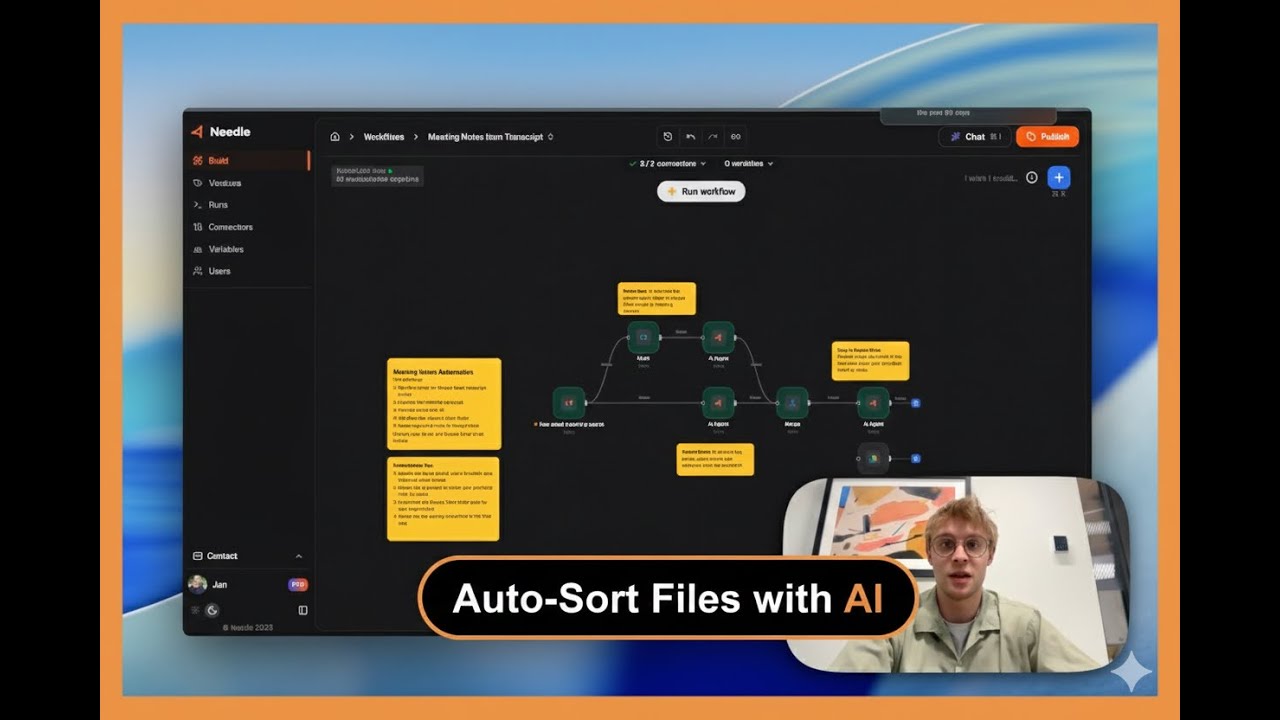
In the attached video walkthrough, I demonstrate how our GitHub integration works in practice. Here are the 4 core capabilities:
- Query GitHub repositories from Needle's chat - check open issues, PR status, and code information without switching contexts
- Create and manage issues via natural language - file new issues or close existing ones through simple conversational commands
- Summarize PR feedback - get AI-powered summaries of comments and change requests to quickly understand what needs attention
- Cross-platform knowledge transfer - push information between GitHub and other connected tools (like Notion) to keep everything in sync
GitHub Workflow: Before vs. After Needle
| Task | Without Needle | With Needle + GitHub |
|---|---|---|
| Check open issues | Open GitHub, navigate to repo, filter issues | Ask in chat: "Show open issues" |
| Create a new issue | Open GitHub, click New Issue, fill form | Say: "Create issue: fix login bug" |
| Review PR feedback | Read all comments manually | Get AI-powered summary in seconds |
| Sync with Notion docs | Copy-paste between apps | Automatic cross-platform transfer |
| Track sprint progress | Check multiple repos + project boards | Single chat query across all repos |
Why This Matters for Development Teams
Many engineering teams today have a fragmented toolset: code lives on GitHub, project planning is in Notion, documentation is scattered across wikis, and communication is in Slack. This fragmentation creates constant context switching that disrupts flow and productivity.
With Needle's GitHub integration, you can:
- Track sprint progress across repositories
- Document code decisions and rationale in your knowledge base
- Keep non-technical team members informed about the development status
- Ensure nothing falls through the cracks during code reviews
Getting Started
This integration is available now for all Needle users. Set it up in 3 simple steps:
- Go to the integrations page in your Needle dashboard.
- Connect your GitHub account and select the repositories you want to access.
- Start querying - use Needle's chat to interact with your repos immediately.
We're excited to see how you use this integration to streamline your development workflows. As always, we welcome your feedback - let us know what's working well and what you'd like to see improved.
Summary
Needle's GitHub integration bridges the gap between code repositories and documentation, giving development teams a unified chat interface to query issues, manage PRs, and sync knowledge across GitHub, Notion, and Slack. Available now for all Needle users, setup takes under 2 minutes and eliminates the constant context-switching that fragments modern development workflows.