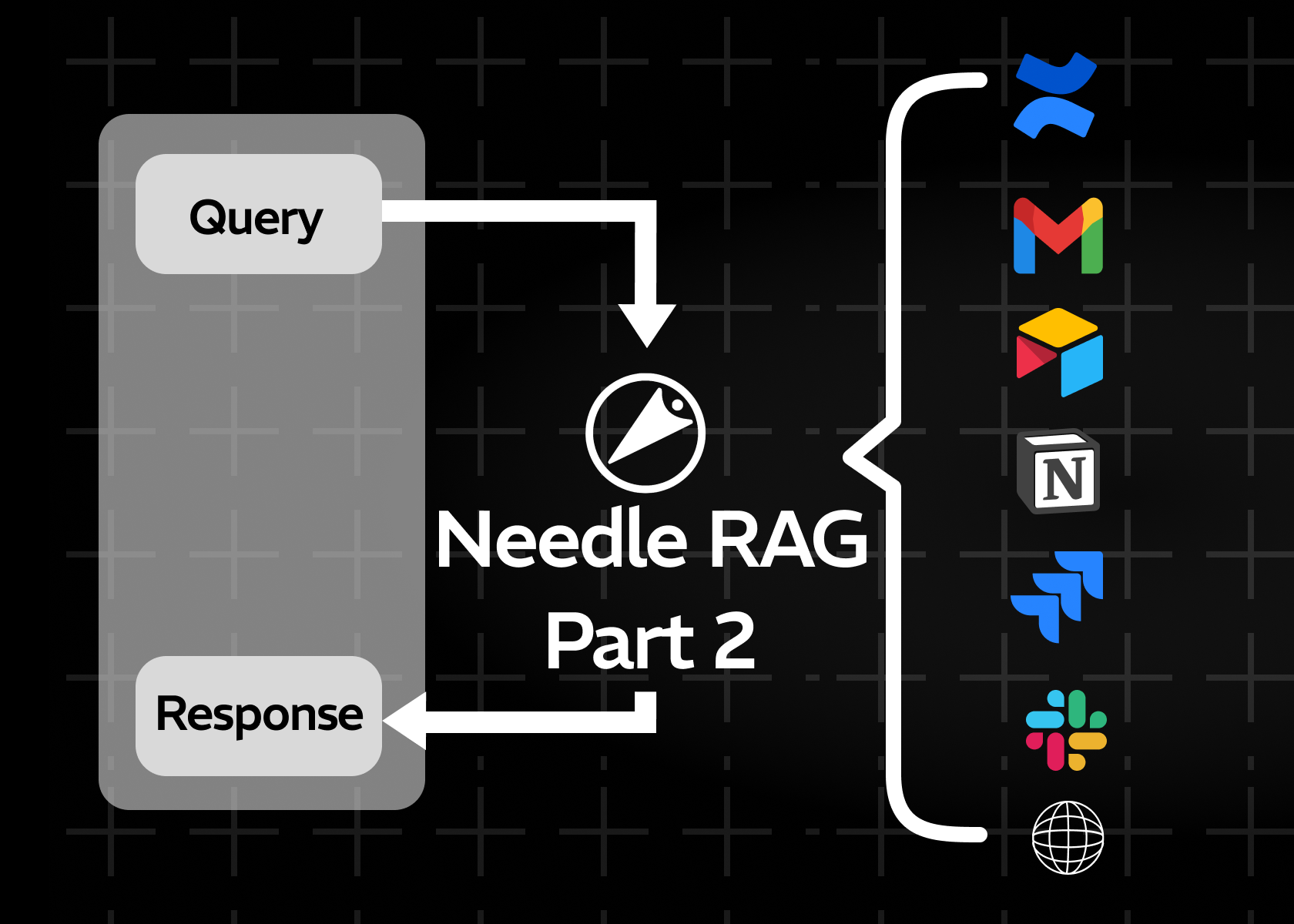
How to Set Up Needle MCP with Claude's Desktop
A beginner-friendly guide to managing documents with Claude's natural language interface
Key Takeaways
- Needle MCP connects Claude's Desktop to your document collections for natural language search across all your data sources.
- Setup requires just 3 dependencies: macOS/Windows, Homebrew (or equivalent), and a Needle API key.
- Beyond search, Needle MCP enables building AI agents: auto-responders, contextual chatbots, and task automation workflows.
- The integration uses the Model Context Protocol (MCP) standard, making it compatible with Claude's growing tool ecosystem.
Welcome to a beginner-friendly tutorial on how to set up a Needle MCP (Model Context Protocol) Server to manage and search documents using Claude's Desktop application. You'll learn how to install and configure Needle MCP so you can quickly organize documents across all your data sources with Needle and retrieve them via Claude's natural language interface.
Why Needle MCP?
If you've ever struggled to find important documentation buried in various folders or chat threads, Needle MCP solves that headache by:
- Storing all your documents in a central location
- Providing a fast, natural-language-based search through Claude's large language model
- Integrating seamlessly with the Needle ecosystem for advanced document management
By the end of this guide, you'll have a working setup where you can type commands on Claude's Desktop and see Needle instantly fetch relevant documents.
What You'll Build (The End Result)
- Claude Desktop configured to connect to the Needle MCP Server.
- Natural language commands like "Search for AI in my Technical Docs" that return results from your Needle collections.
- A minimal set of dependencies so the setup stays lean and avoids unneeded installations.
Prerequisites
- A computer running macOS or Windows.
- Homebrew (macOS) or an equivalent package manager for installing
uv. - A Needle API key from Needle.
Tip: If you're on Windows, you can still follow along, but commands will differ slightly in paths. We'll point out where you need to change directory names.
Needle MCP vs. Manual Document Search
| Capability | Manual Search | Needle MCP + Claude |
|---|---|---|
| Search Method | Keyword-based across folders | Natural language queries |
| Data Sources | One at a time | All sources unified |
| Setup Effort | None (but slow daily use) | 10 minutes one-time setup |
| AI Agent Capabilities | None | Auto-responders, chatbots, workflows |
| Context Understanding | Exact match only | Semantic understanding |
Building AI Agents with Needle MCP
Beyond simple storage and search, Needle MCP allows you to build AI agents that interact with your documents and other data sources:
- Auto-Responders: Configure Claude to automatically process and respond to queries based on your Needle collections.
- Contextual Chatbots: Leverage Claude's large language model, plus your stored data in Needle, to create specialized chatbots for internal documentation.
- Task Automation: Use AI-driven logic to orchestrate advanced workflows, such as automatically categorizing or summarizing new documents.
Next Steps
- Watch the YouTube Demo to see it all in action.
- Add more custom commands or collections to refine your workflow.
- Experiment with AI agents for advanced automation and specialized chatbots.
- Share your experience or ask questions in the comments.
Summary
Needle MCP connects Claude's Desktop application to your document collections, enabling natural language search across all your data sources with a one-time 10-minute setup. Beyond search, it opens the door to building AI agents - auto-responders, contextual chatbots, and task automation workflows - all powered by Claude's LLM and your own data stored in Needle. The integration uses the MCP standard for compatibility with Claude's growing tool ecosystem, requiring only macOS or Windows, a package manager, and a Needle API key to get started.
Thanks for following along! If you found this tutorial helpful, consider subscribing to receive future updates and tips on managing documents and building AI agents with Needle MCP.