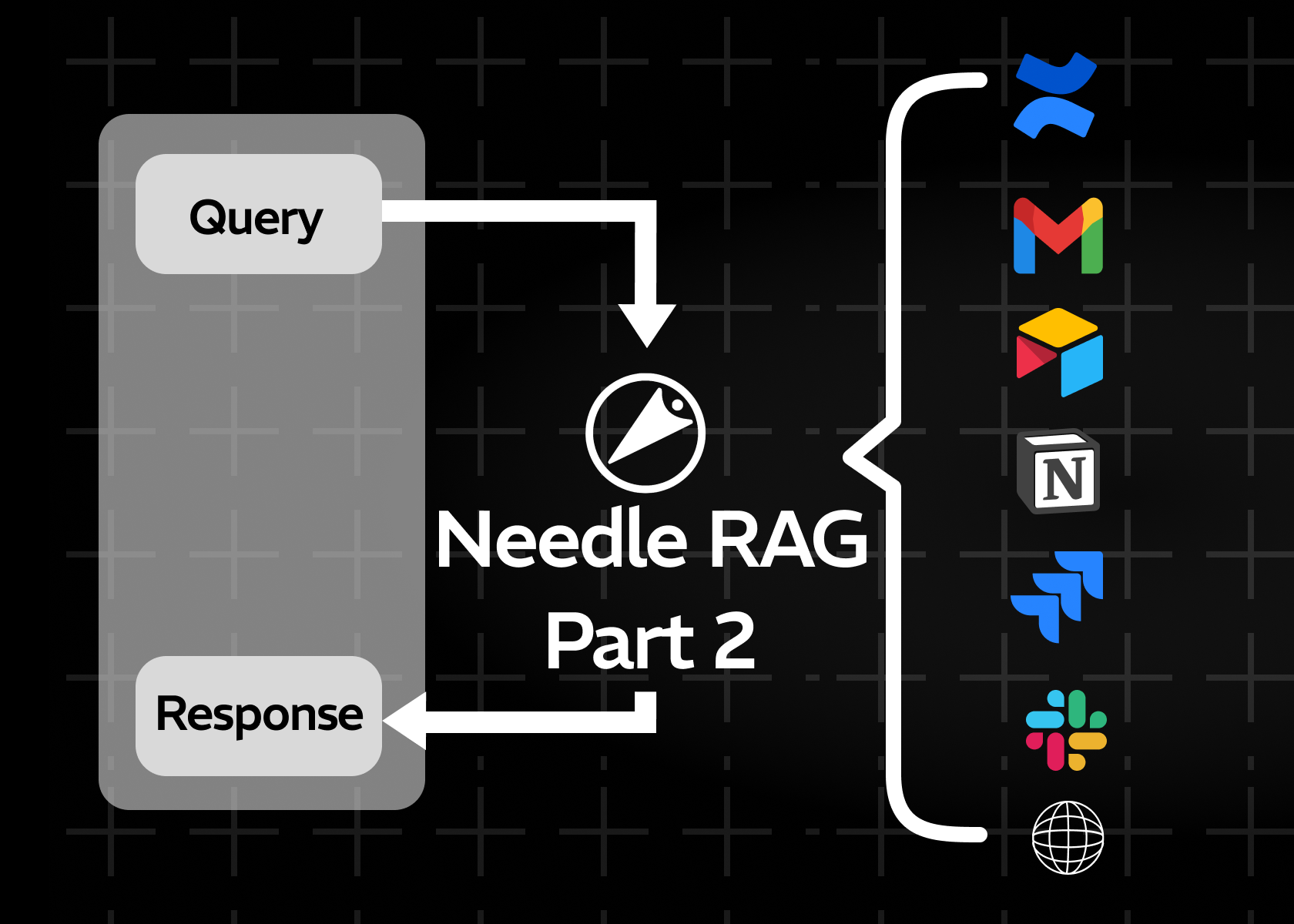
Employee onboarding made easy with Needle. Case Study: PQL Documentation
Using Needle, Zapier, and Slack to implement question answering in 4 steps
Key Takeaways
- Needle + Zapier + Slack automates onboarding Q&A in a 5-step workflow - no coding required
- New hires get instant, accurate answers from your documentation by posting in a dedicated Slack channel
- Companies report reducing repetitive onboarding questions by up to 70%, saving senior staff 5–10 hours per week
- Optional OpenAI summarization step turns raw search results into concise, readable answers
- The same approach scales to customer support, internal help desks, and sales enablement
Onboarding new employees can involve a lot of repeated explanations and document-sharing. As the company grows, questions about technical documentation, product workflows, and internal procedures can take up more and more of experienced team members' time. This post outlines a straightforward approach using Needle, Zapier, and Slack to offer quick answers in a dedicated channel, reducing interruptions and helping new hires find information on their own.
1. Common Onboarding Challenges
Questions about internal technical documentation or process analytics are frequent, especially for newcomers. Even with internal documentation, not everyone knows where to look right away. The result is repeated Slack messages, direct pings to subject matter experts, and a lot of time spent searching. Over many months, that can add up to 5–10 hours per week of lost focus and productivity for senior staff.
2. Why Combine Needle, Zapier, and Slack?
| Tool | Role in the Workflow | Why It Matters |
|---|---|---|
| Needle | Structured knowledge base with AI-powered search | Stores PQL guides, best practices, and company docs |
| Zapier | No-code automation connecting Slack to Needle | Zero coding - build a Zap in under 15 minutes |
| Slack | Communication layer where new hires ask questions | No new interface to learn - uses existing channels |
| OpenAI (optional) | Summarizes Needle search results | Turns raw chunks into concise, readable answers |
By linking these three tools, new hires can ask a question, and Slack automatically retrieves an answer from Needle - cutting down on repetitive direct messages to senior staff.
3. Setting Up a Basic Workflow: 5 Steps
- Step 1 - Dedicated Slack Channel: Create or designate a channel (e.g.,
#onboarding-help) where new hires can post onboarding-related questions. - Step 2 - Zapier Trigger: In Zapier, set a trigger for “New Message in Slack” when someone posts to the onboarding channel.
- Step 3 - Needle Search: The new Slack message is sent to Needle, which searches a relevant collection (such as “Company Onboarding” or “PQL Documentation”).
- Step 4 - Summarize with OpenAI (optional): Pass Needle's search results to an AI model to generate a concise answer.
- Step 5 - Slack Response: Zapier posts the answer back to Slack, making it visible to everyone in the channel.
4. Example: Asking About PQL
Suppose a new hire posts this in #onboarding-help:
“Can someone explain what PQL is and when I should use it?”Here's how the automation works in 5 steps:
- Slack sees a new message in the channel.
- Zapier sends the message to Needle as a search query.
- Needle locates relevant sections of your “PQL Overview” or “Product Docs.”
- OpenAI refines the text if you choose to include a summarization step.
- Slack receives a reply that briefly explains PQL and includes a link to a more detailed guide.
5. Benefits for Companies
- Reduced Repetitive Q&A: New hires can self-serve from a vetted knowledge base, rather than relying on busy subject matter experts. Companies report up to 70% fewer repetitive questions.
- Faster Ramp-Up: Quick, accurate answers help new employees learn the fundamentals of a company, like PQL and process analytics, in less time.
- Centralized Information: By maintaining updated docs in Needle, you ensure that everyone gets the same, consistent information.
- Ease of Use: Slack remains your primary communication channel, so there's no new interface to learn.
6. Keeping It Accurate and Up-to-Date
- Regular Maintenance: Update the Needle collection with any changes to companies' products, best practices, or PQL syntax.
- Team Involvement: Encourage team leads to contribute any new documentation or FAQs to Needle, so the knowledge base stays relevant.
- Periodic Checks: Review logs or analytics to see which questions come up most often and refine the answers accordingly.
Summary
Creating a simple Slack bot with Needle and Zapier can help answer common questions about company products, PQL, and internal processes without tying up senior team members. The 5-step workflow takes under 15 minutes to set up, reduces repetitive onboarding questions by up to 70%, and saves senior staff 5–10 hours per week. While it won't replace deeper mentoring or collaboration, it gives new hires a clear, self-service path to the information they need - and scales as your company grows.
We look forward to hearing about your progress and learning how these practices have helped your organization work more efficiently. You can reach out to us at support@needle.app.