Scraper #5: Scrape Everyone Who Liked a LinkedIn Post
A viral post is a lead list. Each like is a person who cares about your topic.
Key Takeaways
- Every LinkedIn like is an intent signal - the person publicly declared interest in your topic
- 500 likes = 500 pre-qualified leads with names, titles, and profile URLs
- Automatic pagination - the workflow scrapes all reactions, not just the first page
- Higher conversion potential than cold outreach: these people already engage with your topic
- Works for likes, celebrates, supports, and all other LinkedIn reaction types
Day 5. Another LinkedIn scraper, but with a completely different angle. Yesterday was about searching for people by role and location. Today is about finding people based on what they actually engage with - which is far more powerful for outreach.
When someone likes a post about AI automation, they're publicly telling you they care about AI automation. That's intent data - for free. A viral post with 500 likes is 500 people who raised their hand.
Intent Signal Strength by LinkedIn Engagement Type
Not all engagement is equal. Here's how different LinkedIn actions rank as intent signals for outreach:
| Engagement Type | Intent Strength | Volume (typical viral post) | Outreach Relevance |
|---|---|---|---|
| Like / Celebrate / Support | Medium | 200–2,000+ | Good - low-effort signal but still indicates interest |
| Insightful reaction | Medium-High | 50–500 | Better - typically from more senior professionals |
| Comment | High | 20–200 | Strong - person invested time to share their opinion |
| Share / Repost | Very High | 5–50 | Strongest - person endorsed the content to their network |
This scraper captures all reaction types (likes, celebrates, supports, insightful, curious). Comments and shares require separate API endpoints.
How to Scrape LinkedIn Post Likers in 5 Steps
- Find a relevant LinkedIn post - look for viral posts (200+ reactions) in your niche. Product launches, hiring announcements, and controversial takes tend to get the most engagement.
- Click on the reactions count - this opens the reactions modal showing everyone who liked the post. Scroll down once to trigger the API call.
- Copy the API request from DevTools - open developer tools (F12), go to the Network tab, filter for "reactions" or "voyager," find the GraphQL request, right-click, and "Copy as fetch."
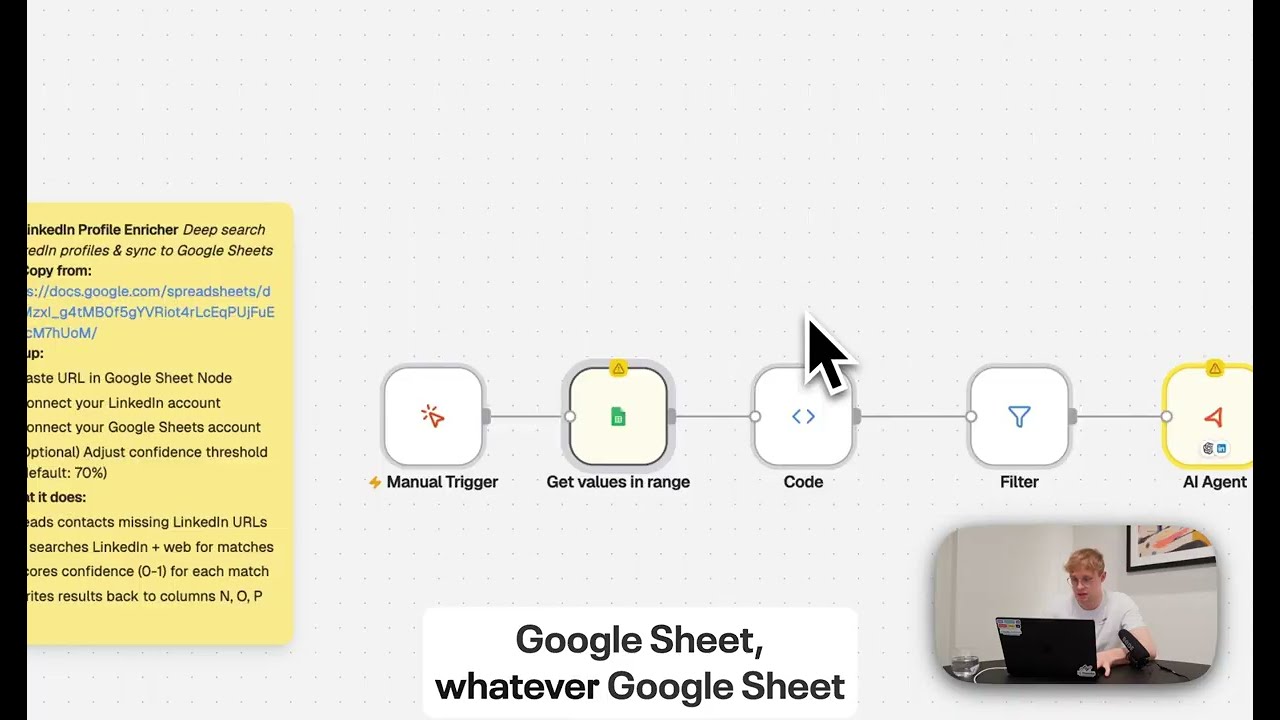
- Set up the Needle workflow - create a Google Sheet with columns for Name, Title, Company, and LinkedIn URL. Connect the sheet in Needle and paste the fetch request.
- Run with auto-pagination - the workflow automatically pages through all reactions. A post with 500 likes takes about 6 minutes to fully export.
7 Best LinkedIn Post Types to Scrape for Leads
The post you choose to scrape determines the quality of your lead list. Here are the 7 highest-converting post types:
- Product launch announcements - people who like these are actively interested in the product category. If a competitor launches and gets 800 likes, that's 800 potential customers for you.
- Conference/event announcements - likers are likely attendees or interested professionals. High overlap with your ICP if the event is in your niche.
- "We're hiring" posts - likers are either job seekers (great for recruiters) or supporters of the company (great for partnerships).
- Thought leadership hot takes - controversial opinions attract engaged professionals who have strong opinions. These leads are typically senior and vocal.
- Funding/milestone announcements - likers include investors, potential customers, and industry watchers. High-quality B2B contacts.
- Tool/resource recommendations - "Here are the 5 AI tools I use daily" style posts attract people actively looking for solutions. Highest buying intent.
- Industry benchmark posts - "We analyzed 10,000 cold emails..." posts attract data-driven professionals. Great for SaaS and analytics tools.
What Makes This Scraper Different
It's surgical. Unlike LinkedIn Search (Scraper #4), where you cast a wide net by role and location, this scraper targets people who engaged with one specific piece of content. The relevance is extremely high because every person on the list has already demonstrated interest in your exact topic.
Combine this with Scraper #7 (Lead Enrichment) to add emails and websites to the exported list, and you have a complete outreach pipeline - from LinkedIn post to enriched lead list in under 20 minutes.
Quick Reference
Scraper #5 exports everyone who reacted to a LinkedIn post - names, titles, companies, and profile URLs - to Google Sheets with automatic pagination.
- 500 reactions scraped in ~6 minutes with auto-pagination
- Every like is an intent signal - these people care about your topic
- Best post types: product launches, hiring posts, conference announcements, hot takes
- Combine with Scraper #7 for email enrichment
- Setup: DevTools → copy reactions API request → paste in Needle → run