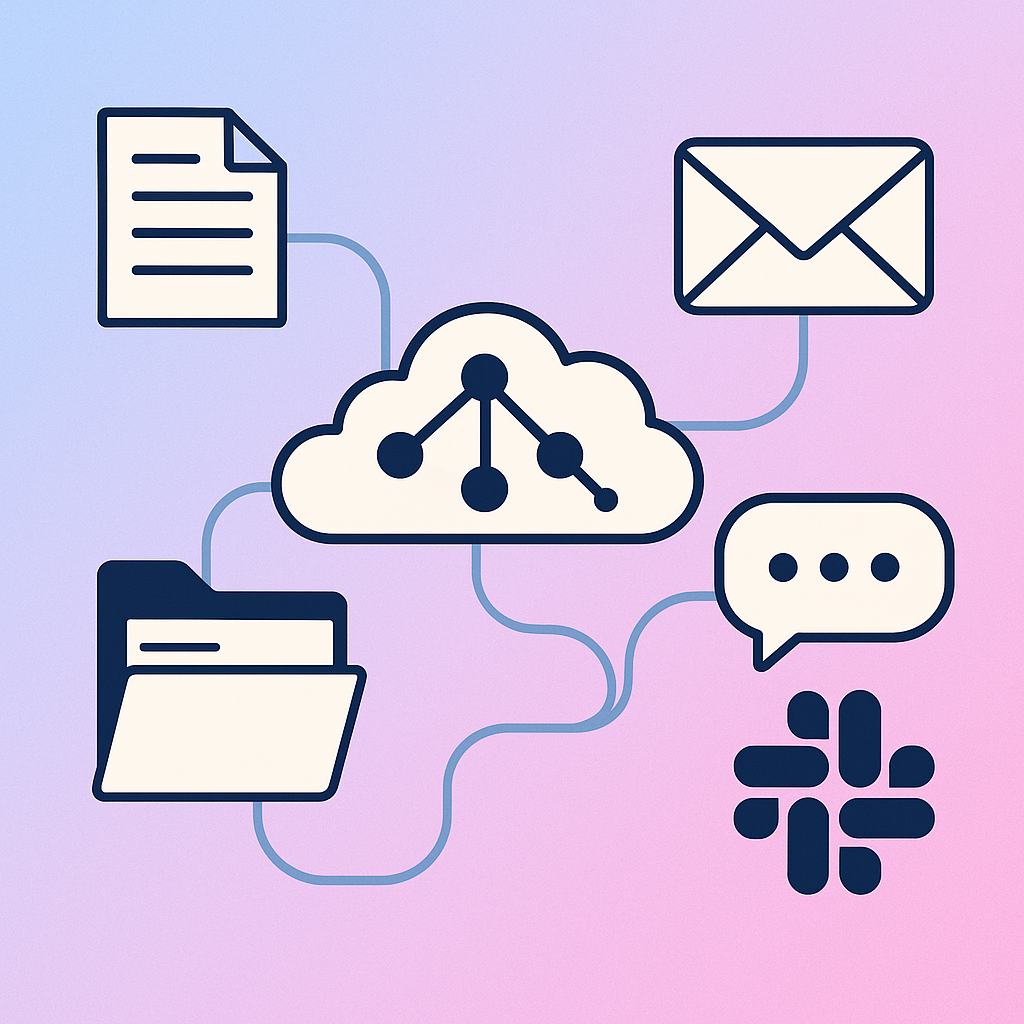
How to Automatically Organize Fireflies Meeting Transcripts in Google Drive
Meeting transcripts are valuable. They capture decisions, action items, and context that would otherwise be lost. Here's how to automate organizing them.
Key Takeaways
- Manually organizing meeting transcripts takes ~5 minutes per meeting - across 20+ meetings per month, that's 2+ hours of repetitive work.
- Needle's workflow automatically detects Fireflies transcript emails, extracts the full conversation, formats notes, and files them in the correct Google Drive folder.
- AI-powered routing replaces rigid if/then rules - describe your filing system in natural language and the workflow adapts as your needs change.
- The workflow requires only 3 integrations: Gmail, Fireflies, and Google Drive.
The Problem with Manual Meeting Documentation
Meeting transcripts are valuable. They capture decisions, action items, and context that would otherwise be lost. Tools like Fireflies make it easy to generate these transcripts automatically.
But here's where the process breaks down: after every meeting, you need to manually download the transcript, format it into something useful, decide where to store it, and file it away. This might only take 5 minutes per meeting, but across 20+ meetings per month, that adds up to over 2 hours of repetitive work every month.
The solution? Automate the entire process with a Needle workflow.
Manual vs. Automated Transcript Organization
Here's how the manual approach compares to an automated Needle workflow for organizing Fireflies transcripts:
| Task | Manual Process | Needle Workflow |
|---|---|---|
| Detect new transcript | Check email manually | Auto-triggered on email |
| Extract full transcript | Log into Fireflies, download | Fetched via Fireflies API |
| Format notes | Manually summarize and structure | AI-formatted with customizable template |
| Determine correct folder | Decide each time | AI routes based on context |
| File to Google Drive | Upload and navigate to folder | Saved automatically |
| Time per meeting | ~5 minutes | 0 minutes (fully automated) |
| Monthly time (20 meetings) | ~100 minutes / ~1.7 hours | 0 minutes |
How the Automated Workflow Works (4 Steps)
The Needle workflow handles the entire transcript-to-Drive pipeline automatically. Here's what happens at each stage:
- Triggers on new transcripts - When Fireflies emails you a meeting transcript, the workflow automatically detects it and begins processing. No manual check-ins required.
- Extracts the full conversation - Using the Fireflies integration, the workflow retrieves the complete transcript - not just summaries. This gives you access to every detail discussed in the meeting.
- Formats the content - The workflow structures the transcript into a clean format with discussion points, decisions made, action items, and next steps. You can customize this formatting to match your preferences.
- Files it in the right Google Drive folder - Based on the meeting context (participants, topics discussed, or other criteria you define), the workflow determines which Google Drive folder the notes belong in and saves them there automatically.
Why AI-Powered Routing Beats Rule-Based Automation
Traditional automation tools require you to manually map every possible scenario. If meeting X happens, put it in folder Y. This breaks down quickly as your folder structure evolves or meeting contexts change.
This workflow takes a different approach. Instead of maintaining complex routing rules, you describe how you want things organized in natural language, and the system figures out the rest. As your needs change, you adjust the instructions without rebuilding the entire workflow.
What You Need to Get Started
The workflow uses three main integrations:
- Gmail - Detects incoming Fireflies transcript emails
- Fireflies - Fetches the full transcript content via API
- Google Drive - Creates and organizes formatted documents
Each step connects through Needle's workflow builder, where you can see exactly what happens at each stage and modify it as needed.
Setting Up the Workflow in Needle
This workflow is available as a template in Needle. To use it:
- Connect your Gmail, Fireflies, and Google Drive accounts in the Needle dashboard
- Customize the formatting template to match your preferred note-taking style
- Define your folder structure (or describe how you organize meetings in natural language)
- Activate the workflow - processing begins immediately for new transcripts
From that point forward, every Fireflies transcript gets automatically processed and filed. No manual work required. Setup takes approximately 5–10 minutes.
Beyond Meeting Notes: Other Use Cases
This same pattern - trigger, extract, format, route - applies to many other documentation workflows:
- Customer call notes - Auto-file by account or deal stage
- Interview transcripts - Organize by candidate or position
- Project debriefs - Route to project-specific folders
- Research conversations - Categorize by topic or research area
Anywhere you're manually processing structured information, you can build an automation to handle it. The key is breaking down your current manual process into clear steps, then connecting the right tools to handle each step automatically.
Summary
Manually organizing Fireflies meeting transcripts costs roughly 5 minutes per meeting - over 2 hours per month for a typical team schedule. Needle's workflow automates the entire pipeline: detecting new transcripts via Gmail, extracting full conversations from Fireflies, formatting them with AI, and filing them in the correct Google Drive folder using intelligent, natural-language routing. Setup takes 5–10 minutes with the provided template, and the same trigger-extract-format-route pattern extends to customer calls, interviews, debriefs, and any structured documentation workflow.
Jan Heimes is Co-founder at Needle. When he's not automating meeting workflows, he's probably in a meeting that should have been an email.